

Oh that's really cool. For your info the save file in the bin folder only controls i think just health and camera position. i dont know where coppercube saves stuff when you use the save variable action but it doesn't really matter as i think from what i remember when working on the save system a coppercube program can access those saved variables no matter where on the system they are at least on windows so in theory you only would need to copy the one save file for the launcher unless you wanna back up the data to bring saves to another device
5 days ago(+1)
ok ive got the game running in the launcher it can also have cloud saves i can add that easily your game file location is pretty easy this image is the my instance i got running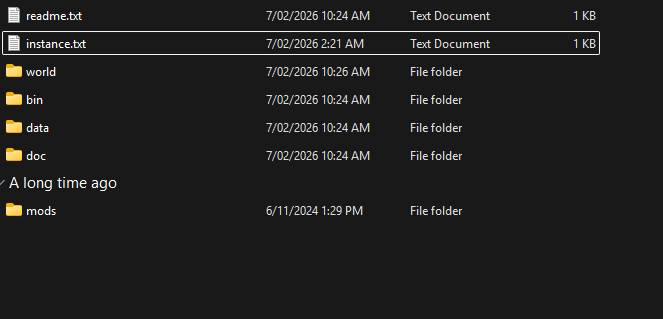
4 days ago (+1)
so how it works is i connect to a wss server(to a room) and set the save file to a global variable so that as long is the servers on or someones on it will have your save its kind of easy so heres the steps
- connect
- load save
- set global variable
- when you need it load it
- then save to file!
4 days ago(+1)
i got a log for the instance made instance 1.623creating directory
1.624loading save.o
1.648made save.o
1.648loading data.zip
1.682made data.zip!
1.682loading bin.zip
2.766made bin.zip
2.766loading instance.txt
2.787made instance.txt
2.787loading randomdata.zip
2.815made randomdata.zip
2.815made randomdata.zip
2.815downloading log!
it took a total of 36s to download it all