

No we never released the mod anywhere.
A member registered Nov 16, 2023 · View creator page →
Creator of
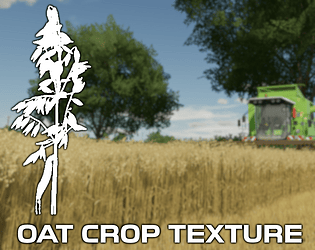
Oat Crop Textures for "Farming Simulator 22."

Barley Crop Textures for "Farming Simulator 22."
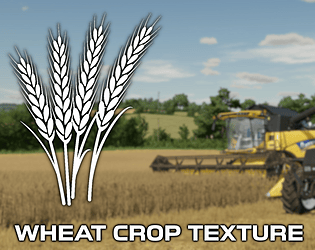
Wheat Crop Textures for "Farming Simulator 22."

OSR/Canola Crop Textures for "Farming Simulator 22."
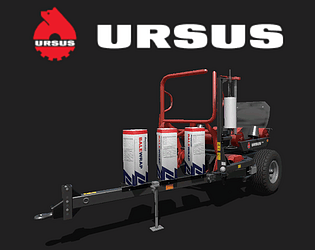
Ursus Z586 Bale Wrapper
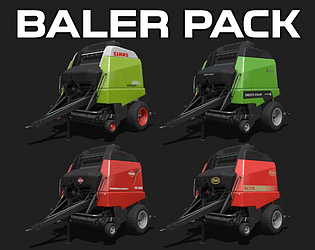
Round Baler Pack for "Farming Simulator 17."

Rotary Manure Spreader for "Farming Simulator 17."

Renault Ares RZ 600 Series for "Farming Simulator 17."
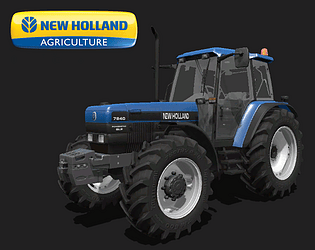
New Holland 40 Series for "Farming Simulator 17."

Multibrand Twin Rotor Rake Pack for "Farming Simulator 17."

McHale HS2000 Bale Wrapper "Farming Simulator 17."

McHale 911 LBER Bale Wrapper

Multibrand Single Rotor Rake Pack for "Farming Simulator 17."
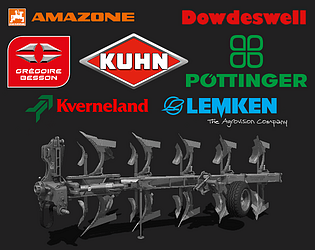
Multibrand Plough Pack for "Farming Simulator 17."

Multibrand Grass Tedder for "Farming Simulator 17."

Multibrand 3m Cultivator Pack for "Farming Simulator 17."

Mechanical Seeder Pack for "Farming Simulator 17."

Massey Ferguson 27 Combine Harvester for "Farming Simulator 17."
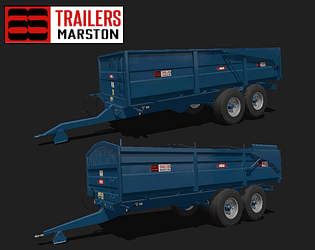
Marston trailer pack for "Farming Simulator 17."

Marshall VES Manure spreader pack for "Farming Simulator 17."

Kverneland Accord seeder pack for "Farming Simulator 17."

John Deere front weight pack for "Farming Simulator 17."
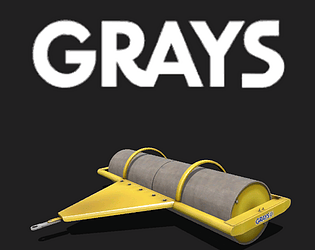
Grays roller pack for "Farming Simulator 17."
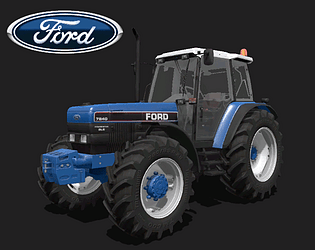
Ford 40 series tractor pack for "Farming Simulator 17."

Fertilizer spreader pack for "Farming Simulator 17".

Claas Ares RZ tractor mod for "Farming Simulator 17".
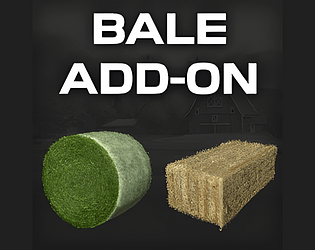
Bale add-on mod for "Farming Simulator 17".

Default sprayers have an increased working speed up to 12mph.

24 Metre mounted sprayer pack for "Farming Simulator 17".

3m Power Harrow and Seeder pack for "Farming Simulator 17".
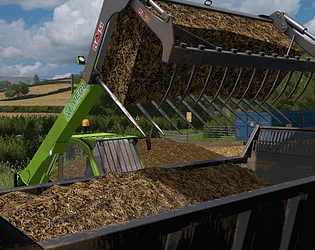
A texture replacement pack with improved textures for "Farming Simulator 17".

Seasonal GEO to support "The Western Shore" mod map for "Farming Simulator 17".

Crop Manager for use with "The Western Shore" mod map for Farming Simulator 17

The Western Shore - Mod map for Farming Simulator 17