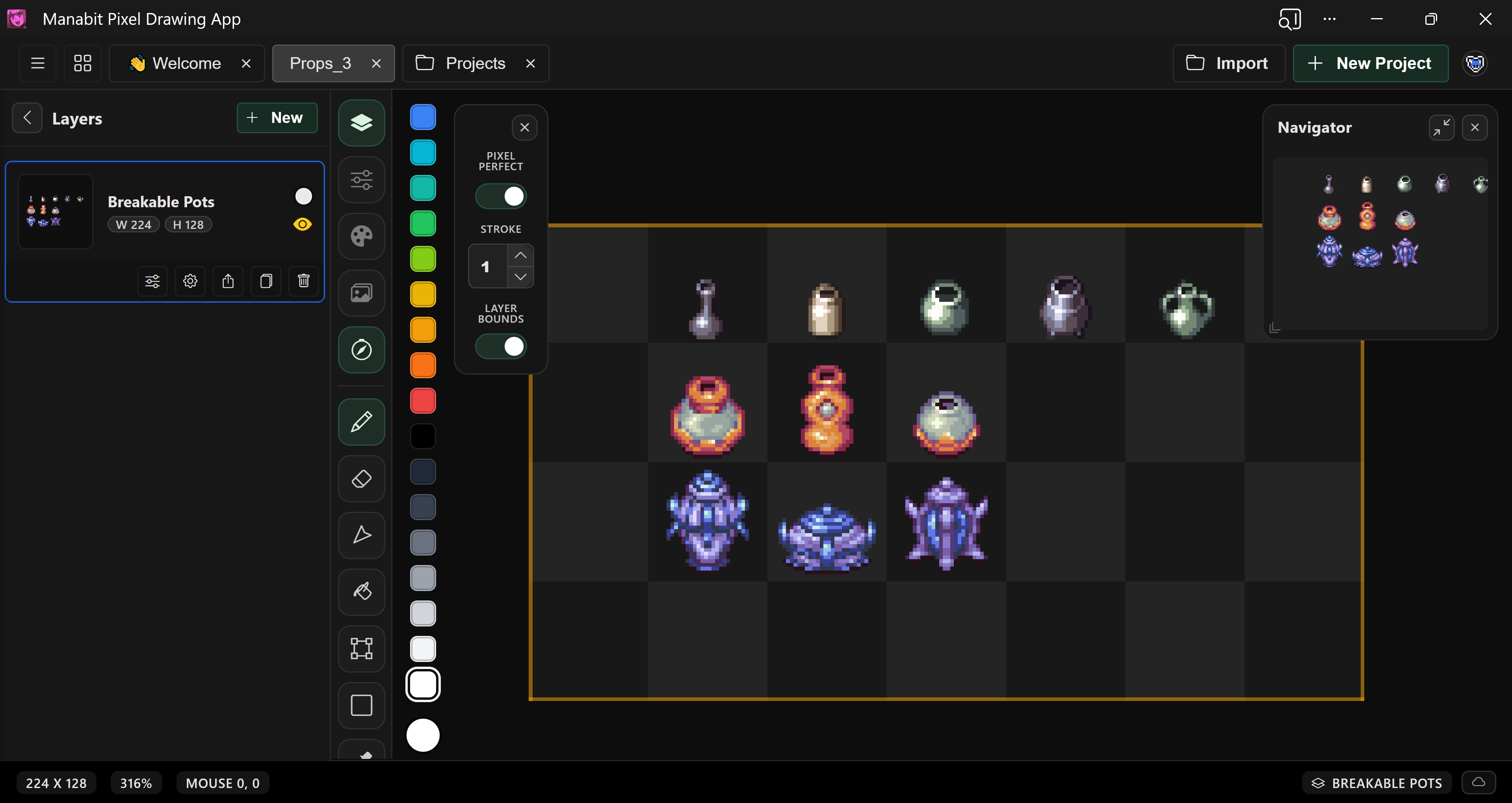
Hi guys, here are some pot designs!
Coldfox
Creator of
Recent community posts
Hi! I wanted to inform you that we just released an update improving the naming system. Take a look!
v5.4 : Improved Naming System - Aseprite Advanced Exports by Coldfox
Hi @Ozzbit Games I'm glad you're find it useful! Yes, you are correct, it currently does not detect frame speeds. I have added it to the queue for the next update. I have an update being released possibly today and we'll begin working on the next one that includes the frame speeds.
Stay tuned!
Hello @Manukineko I pushed the update with the settings options. The download for v5.3 is now available.
You can read notes on this update here: v5.3 : Save and load settings! + More - Aseprite Advanced Exports by Coldfox
Thanks!
I would assume so. Do you have multiple other extensions ? It would help me to figure out what the issue is if you can take a screenshot of your extensions and a file that give you the error.
1. Does the error show up with a brand new file with nothing on it? If you try to export it?
2. Can you try disabling the other extensions and see if the error goes away?
Ah I see. Yes that makes sense. This tool was made to cover things that Aseprite doesn't cover out of the box. I'm going to work on an update for this if you give me some time.
Can you answer a couple of questions:
1. Why does the Aseprite PNG export not work for your specific case?
2. What file structure format are you looking to achieve? What would be some examples of the end result file names and their content? Attack_001.png, Attack_002.png? Like that?
Hi Eli!
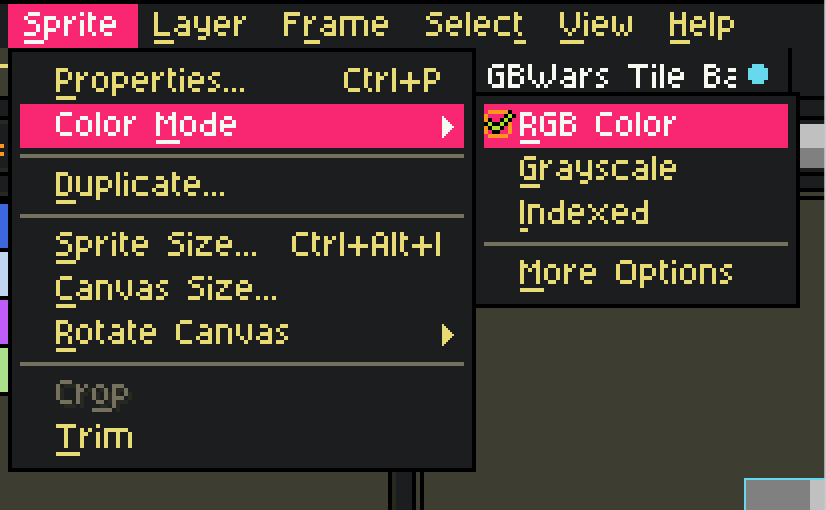
I looked into your issue and figured out what was causing it. Your file is using the Color Mode: Indexed.
Change it to Color Mode: RGB by going to Sprite > Color Mode > RGB.
After doing that, the exports should be working as expected.
Let me know if that fixes the issue for ya! Have a good night.
Hey, thanks for trying out the plug in!
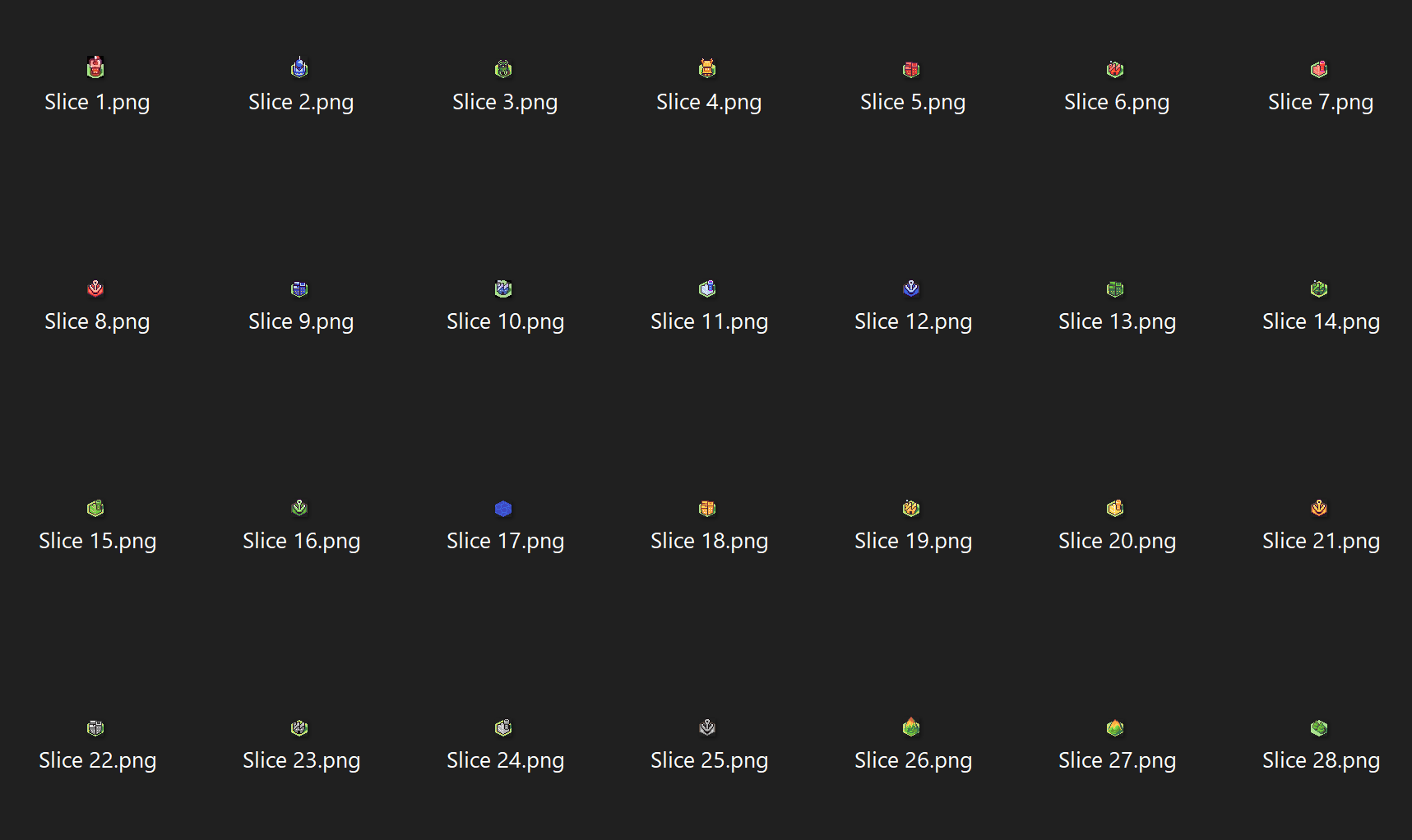
When you open an exported file (a slice). Do the black bars go away? I had this happen to me on Windows, the icons look like they have black bars where there is transparency but the actual export does not. Can you check this for me?
If there is still an issue, can you also attach some of the exported slices or even the aseprite file? (maybe you can DM me the file if you want)