A member registered Sep 15, 2022 · View creator page →
Creator of
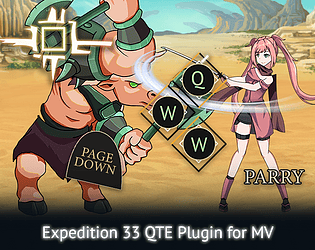
Add Expedition 33's parry/dodge mechanic & QTEs to your rpg maker mv game
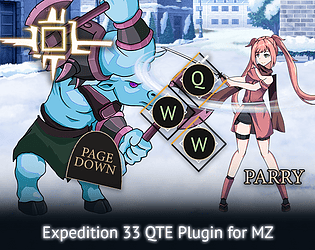
Add Expedition 33's parry/dodge mechanic & QTEs to your rpg maker mz game
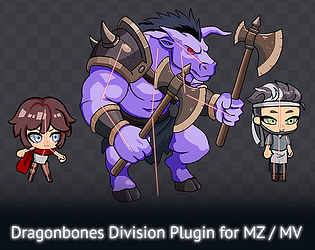
Add keyframe-animated sprites to your rpg maker game. Powered by dragonBones.js
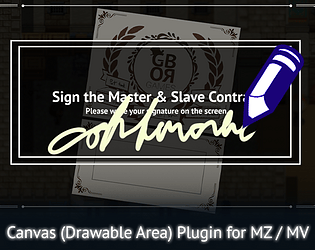
Adds a drawable area in your rpg maker game. Basically, MS Paint in MZ/MV.
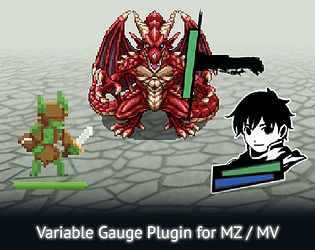
Easily create variable-based animated gauges.
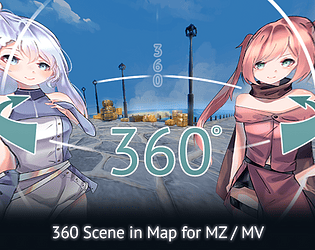
Add immersive 360 / pseudo 3D scenes in your RPG Maker game.
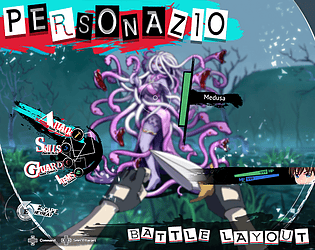
A battle layout plugin for MZ. Inspired by Persona / Metaphor Re Fantazio.
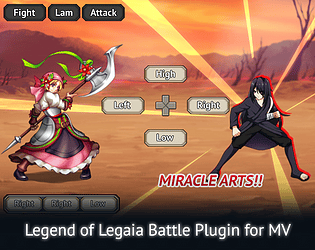
Inspired by Legend of Legaia's battle system. Plugin for RMMV.
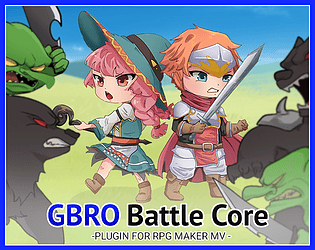
Battle core plugin for MV. Required for GBRO battle plugins.
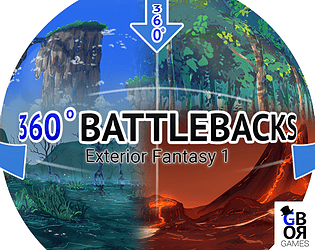
An asset pack consisting of ten 360 images (equirectangular). Designed for backgrounds / battlebacks.
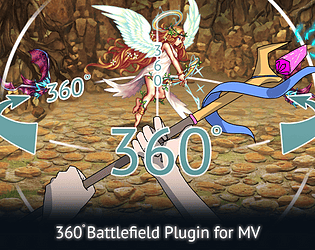
Turns the battlefield into a 360 degree space. A pseudo 3D battle plugin for RMMV.
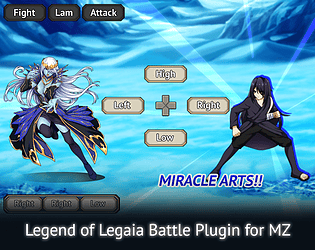
Inspired by Legend of Legaia's battle system. Plugin for RMMZ.
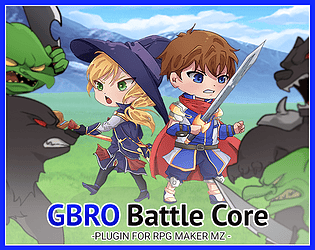
Battle core plugin for MZ. Required for GBRO battle plugins.
Follow the story of the protagonist stuck in his own mental world
Platformer
Play in browser
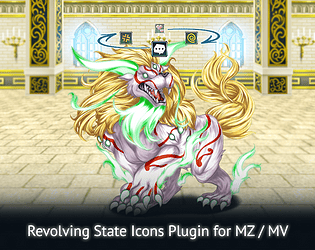
Animates a battler's state icons, such that they revolve on top of their sprite
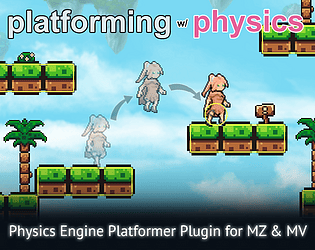
Physics engine platformer plugin for RMMZ / RMMV
Run in browser


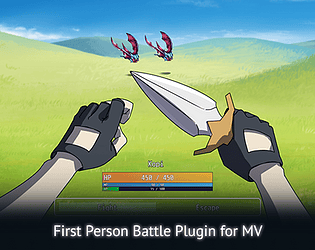
Switch point of views between actors during battle. Plugin for RMMV.
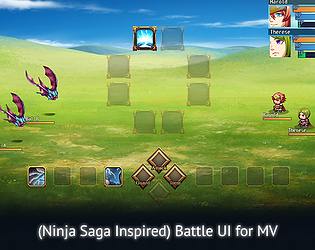
A recreation of Ninja Saga's battle ui for RMMV.
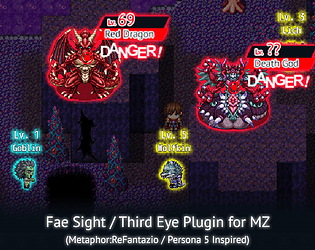
A recreation of Metaphor:ReFantazio's Fae Sight and Persona 5's Third Eye feature.
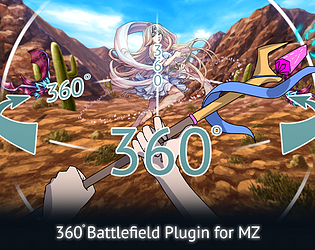
Turns the battlefield into a 360 degree space. A pseudo 3D battle plugin for RMMZ.
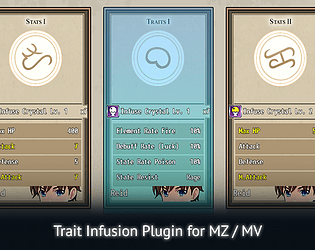
Consume infusion materials to infuse additional random stats / traits to your actors
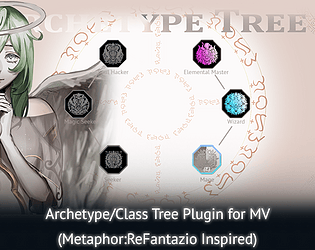
A recreation of Metaphor ReFantazio's class tree system, also called the archetype tree. MV version.
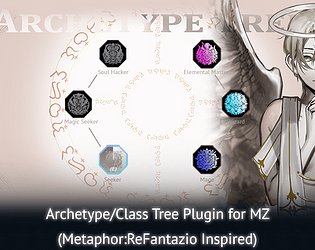
A recreation of Metaphor ReFantazio's class tree system, also called the archetype tree. MZ version.
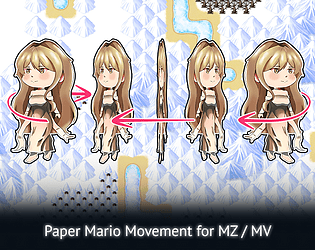
Adds a flip animation when turning left, right, up, or down, similar to Paper Mario.
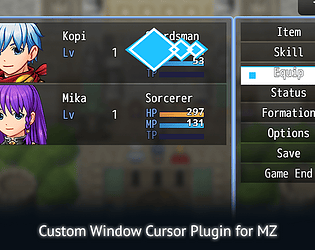
Allows you to use custom static image or animated cursors for each of your game's windows
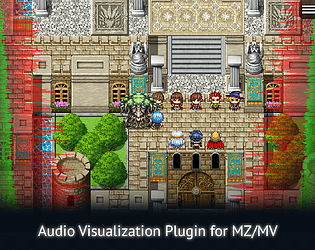
Adds audio visualizers to the left and right side of the screen (FFXVI inspired)
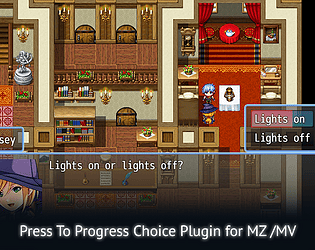
Finalize a choice selection by filling up the progress bar of a choice through a long press rather than one button click
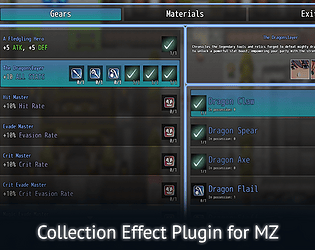
Collect items to complete collections that unlock stats, traits, skills, or custom effects for your party.
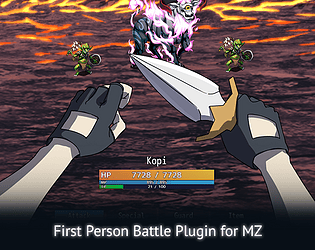
Switch point of views between actors during battle. Plugin for RMMZ.
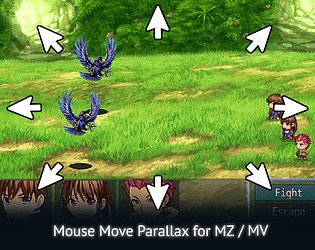
Creates a parallax effect in the battlefield as the mouse moves
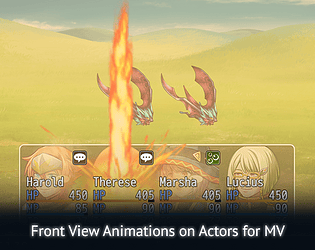
Adds actor faces / battler sprites on the window battle status and allows animation to be played on them.
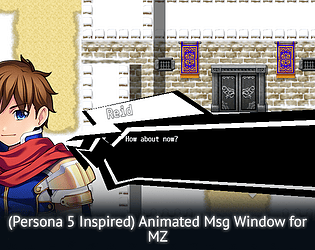
Animate your message windows with this plugin
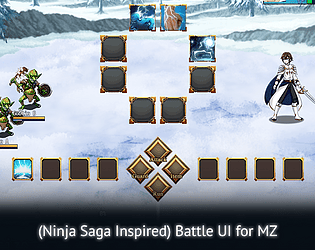
A recreation of Ninja Saga's battle ui for RMMZ.
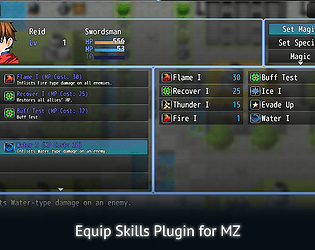
A skill equip plugin for RMMZ. Also enables you to limit the number of skills to be used in battle.
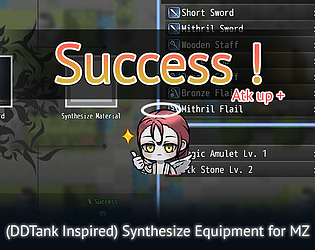
DDTank inspired equipment synthesis for RMMZ. Raise specific stats of your equipment with synthesis stones.
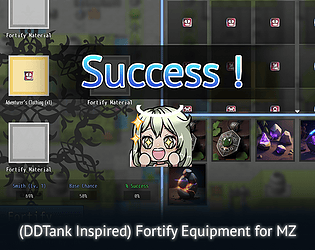
DDTank inspired equipment fortification / equipment upgrade plugin for RMMZ.
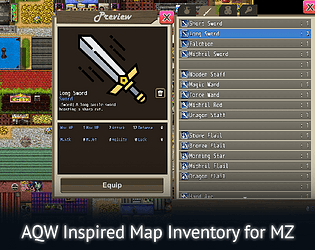
Map inventory plugin for RMMZ. Inspired from AQW's inventory design.
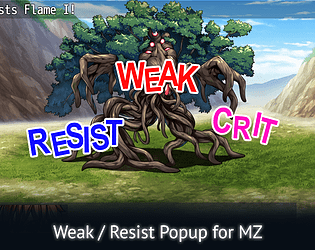
Add a weak/resist popup based on target's elemental rate. Either through text, static image, or sprite sheet.
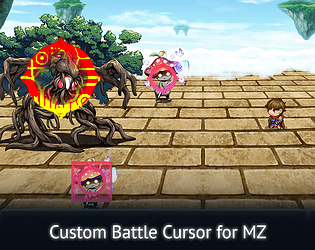
Add a custom battle cursor when selecting actors / enemies.
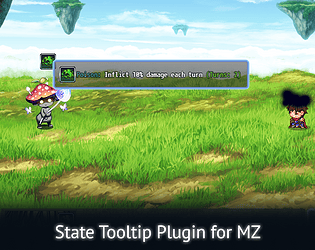
A plugin that adds a tooltip popup when hovering over state icons
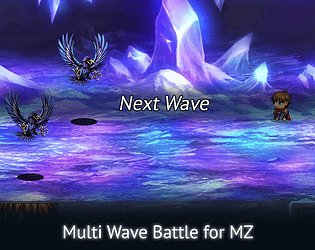
A plugin that enables multiple waves of enemies in a battle
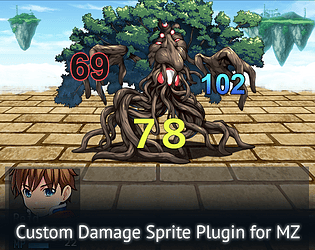
Change the appearance of damage digits per element, per damage type, or per skill.
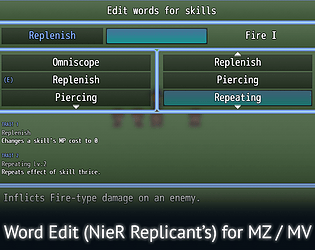
A recreation of Nier Replicant's word edit feature
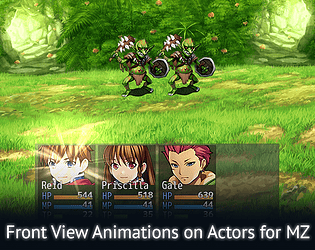
By default, animations don't play on actor faces in front view battles. This changes that.
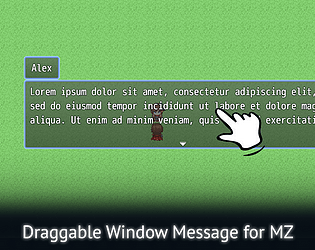
A plugin that enables dragging and moving of the window message of RPG Maker MZ.

Encrypt data folder and obfuscate js files of your RPG Maker MV / MZ project

A recreation of .hack//G.U.'s trading system
AI assistant tool to generate and manage your rpg maker mz / mv database & game content.
Recent community posts
AQW Map Inventory Plugin - RPG Maker MZ comments · Replied to artemisaselene1 in AQW Map Inventory Plugin - RPG Maker MZ comments