 Hi Charlie,
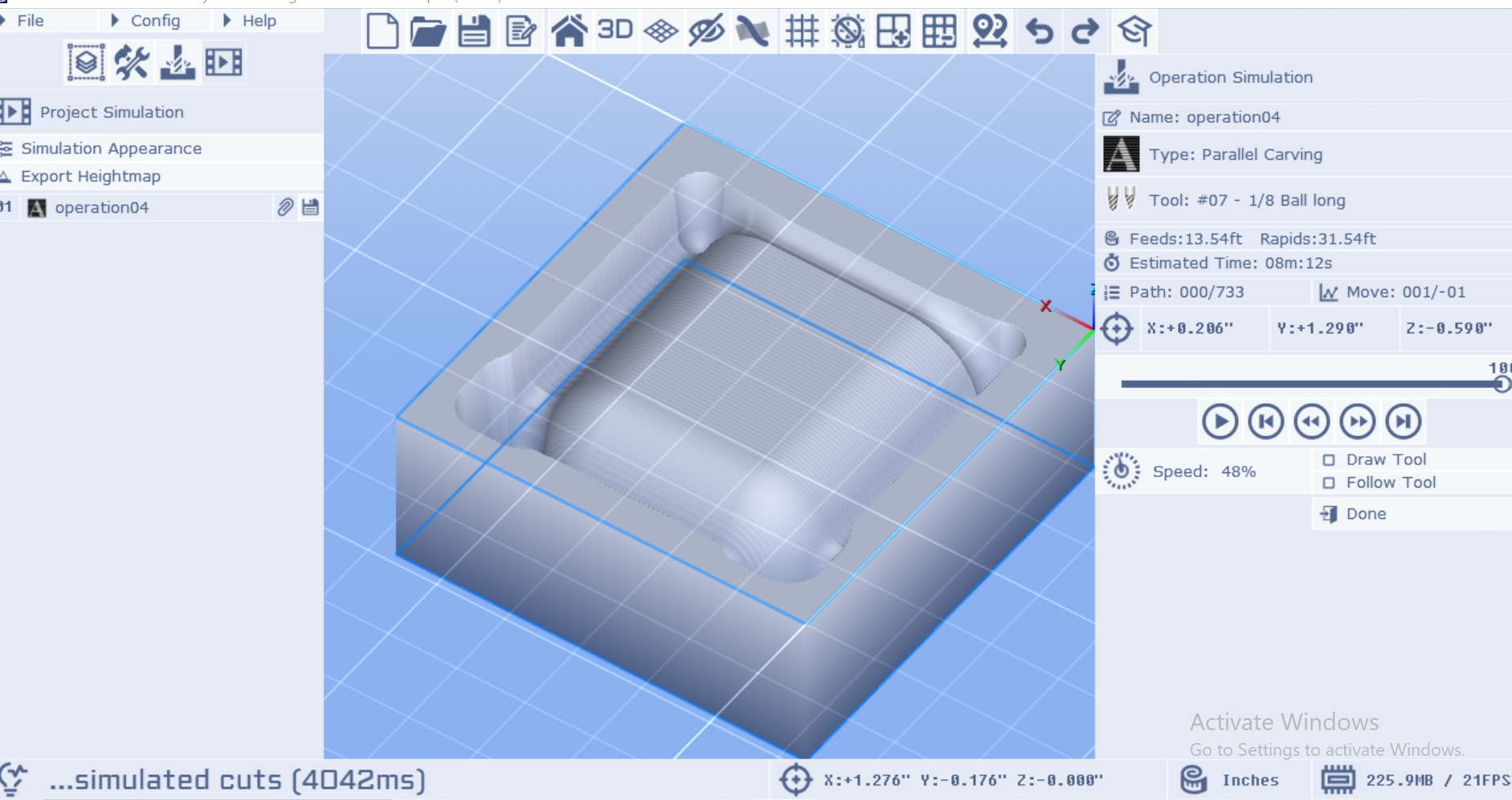
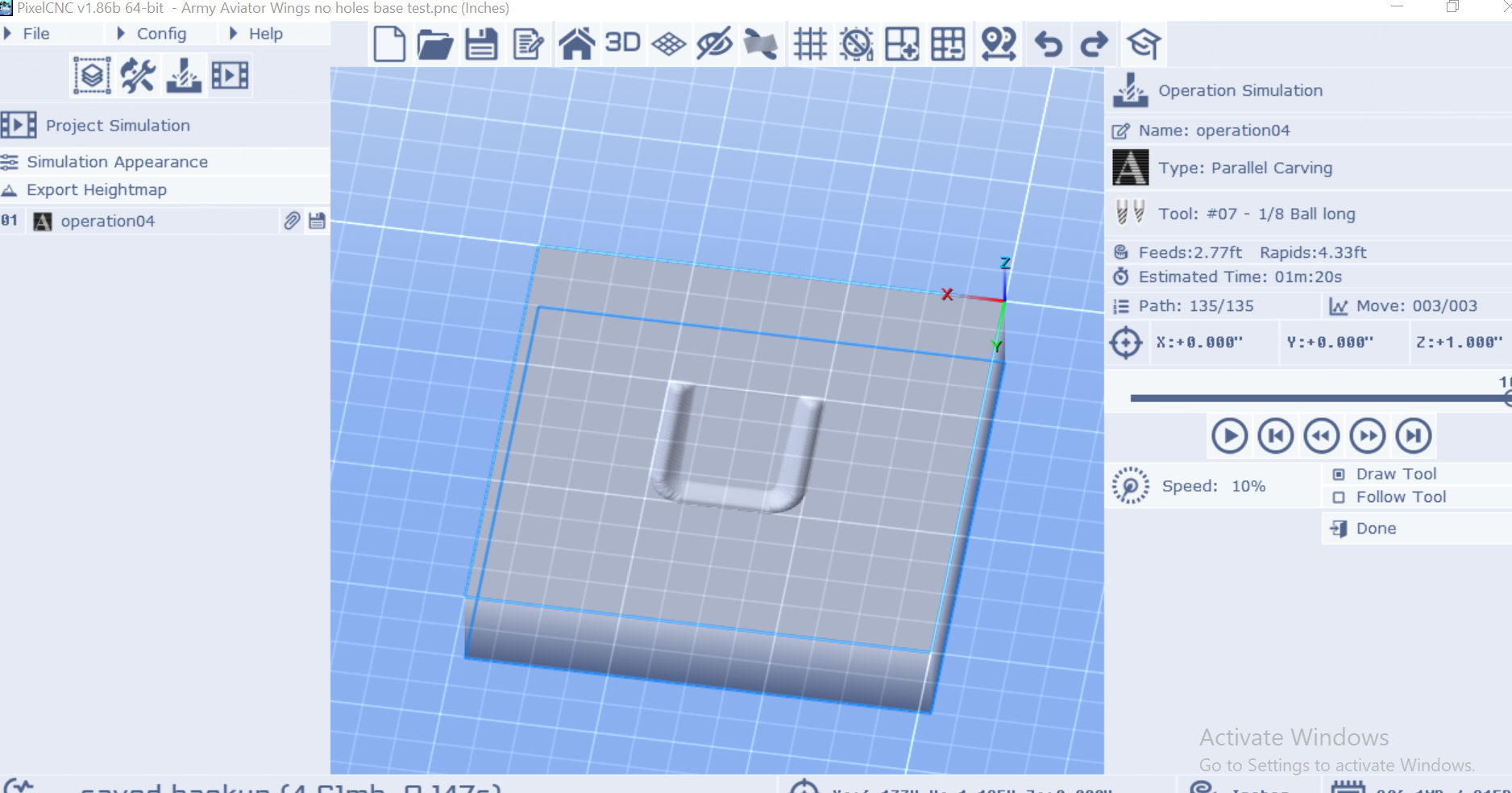
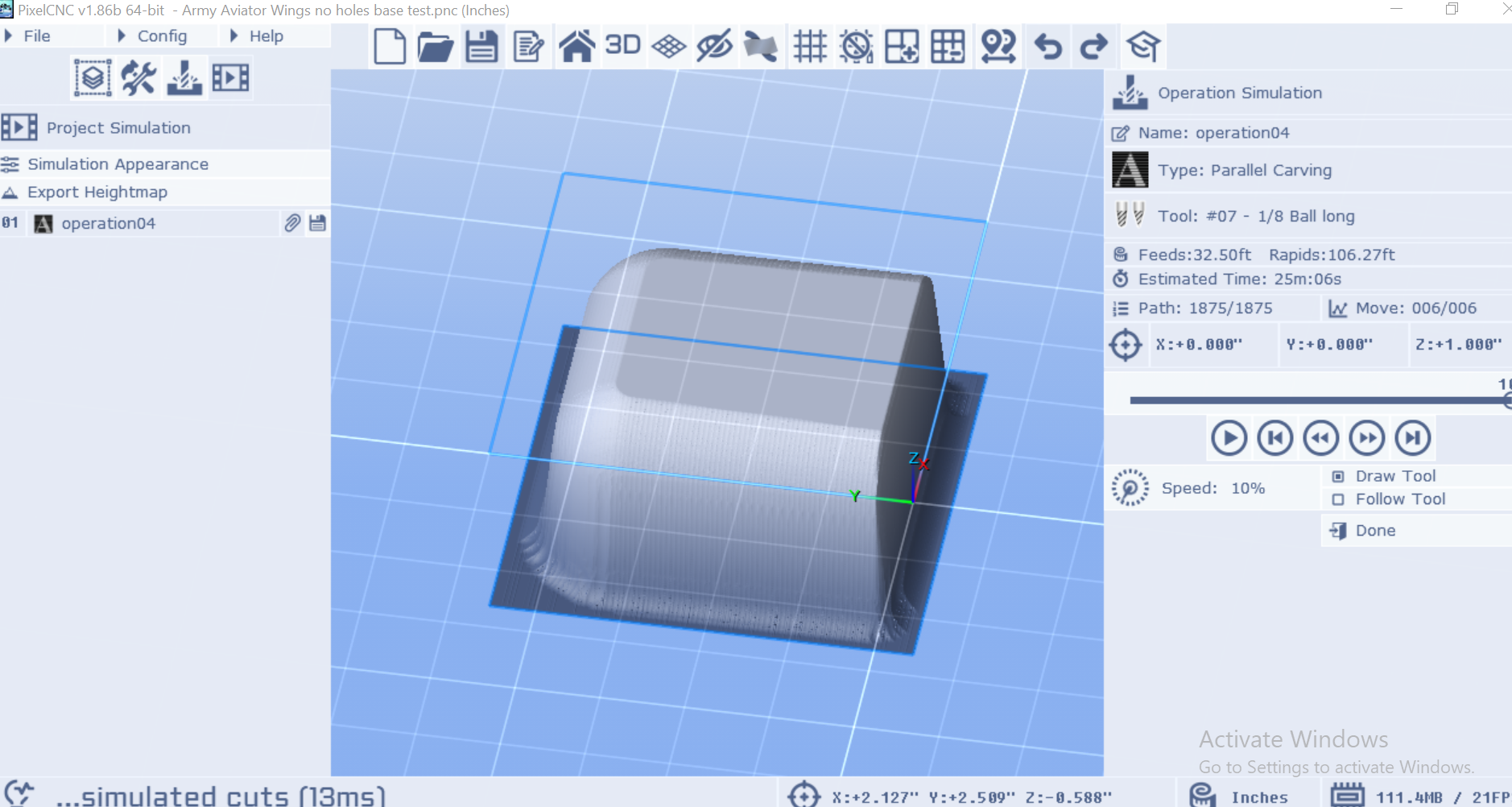
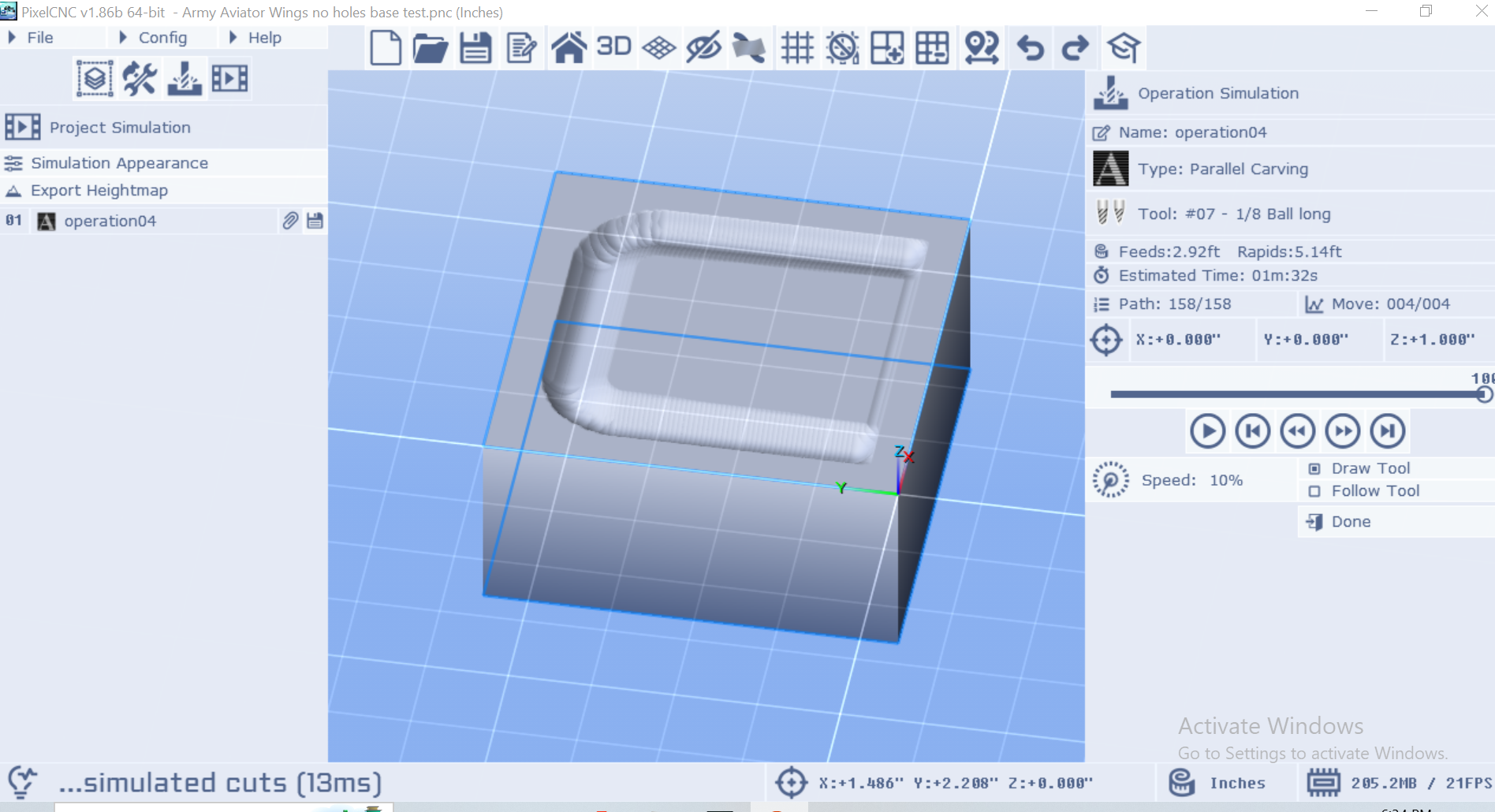
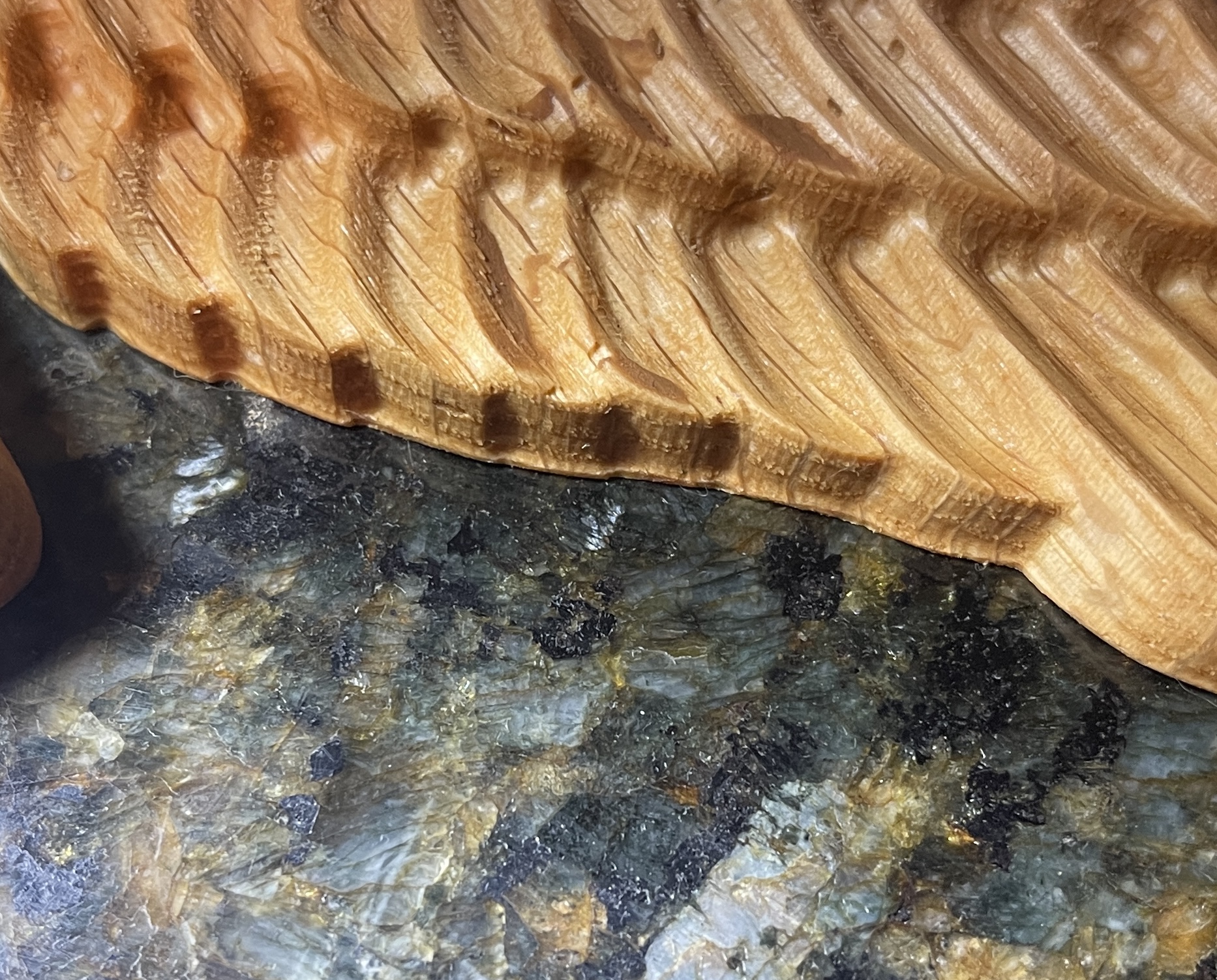
Here are some pics. the first is the best example I have on hand, it's that lip on the bottom. I got my planned correction straight in my head and tried it, here are the results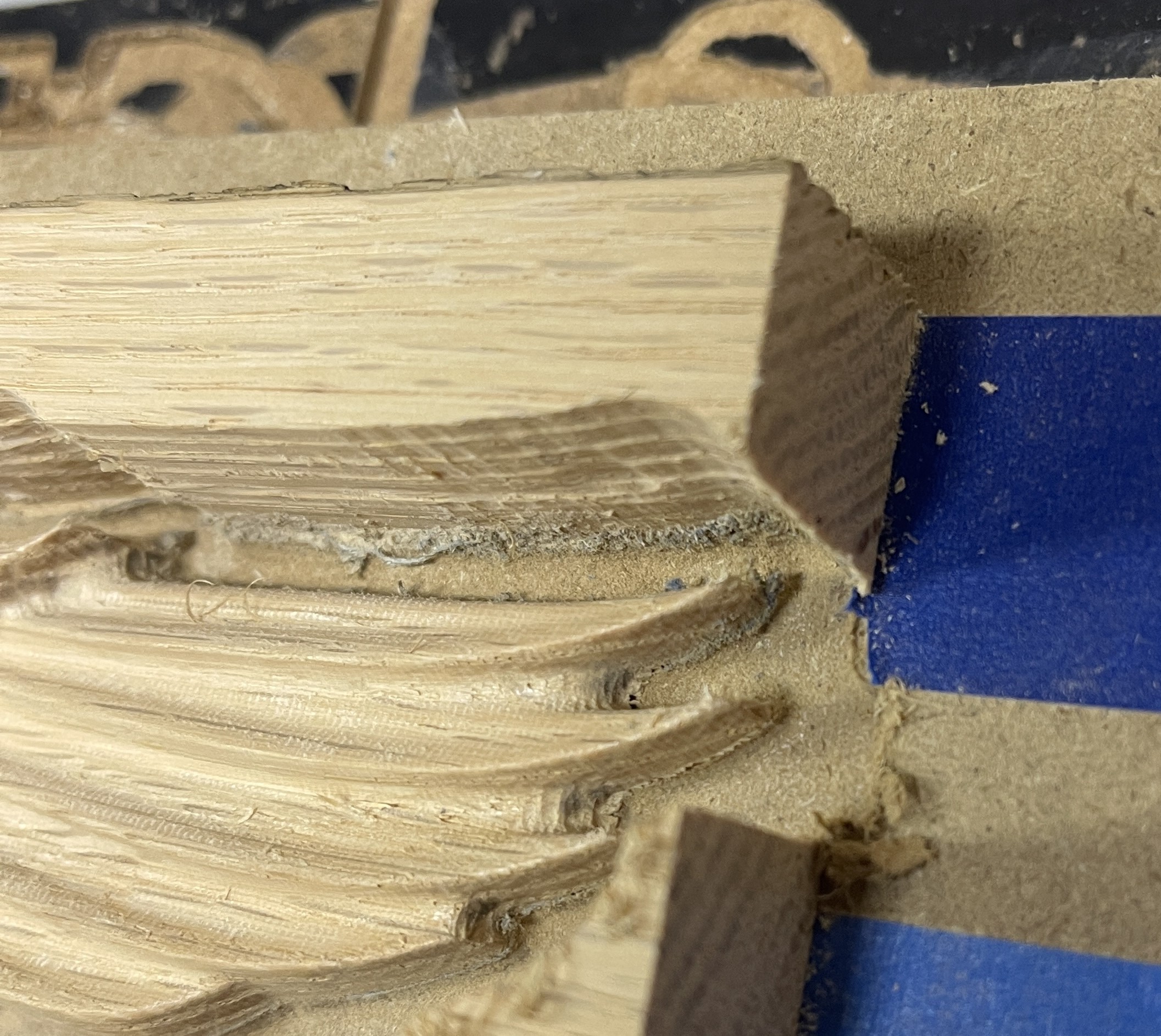
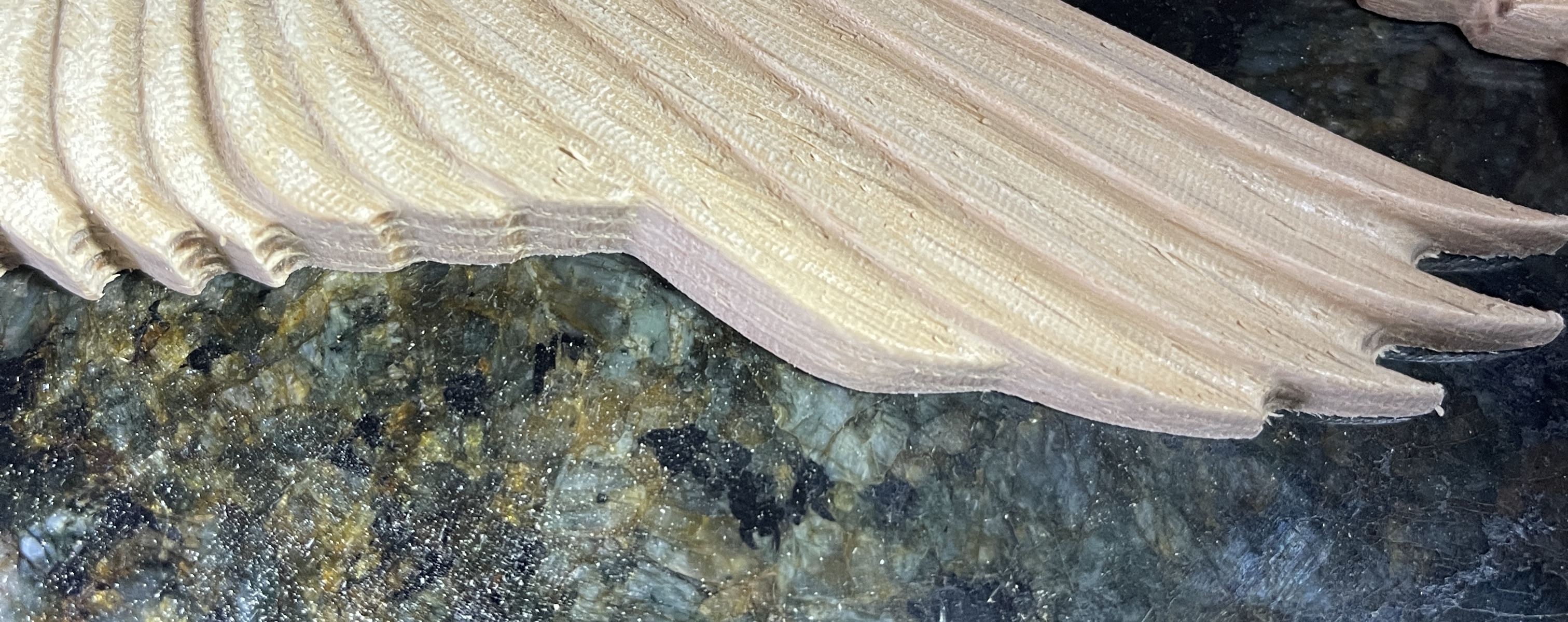
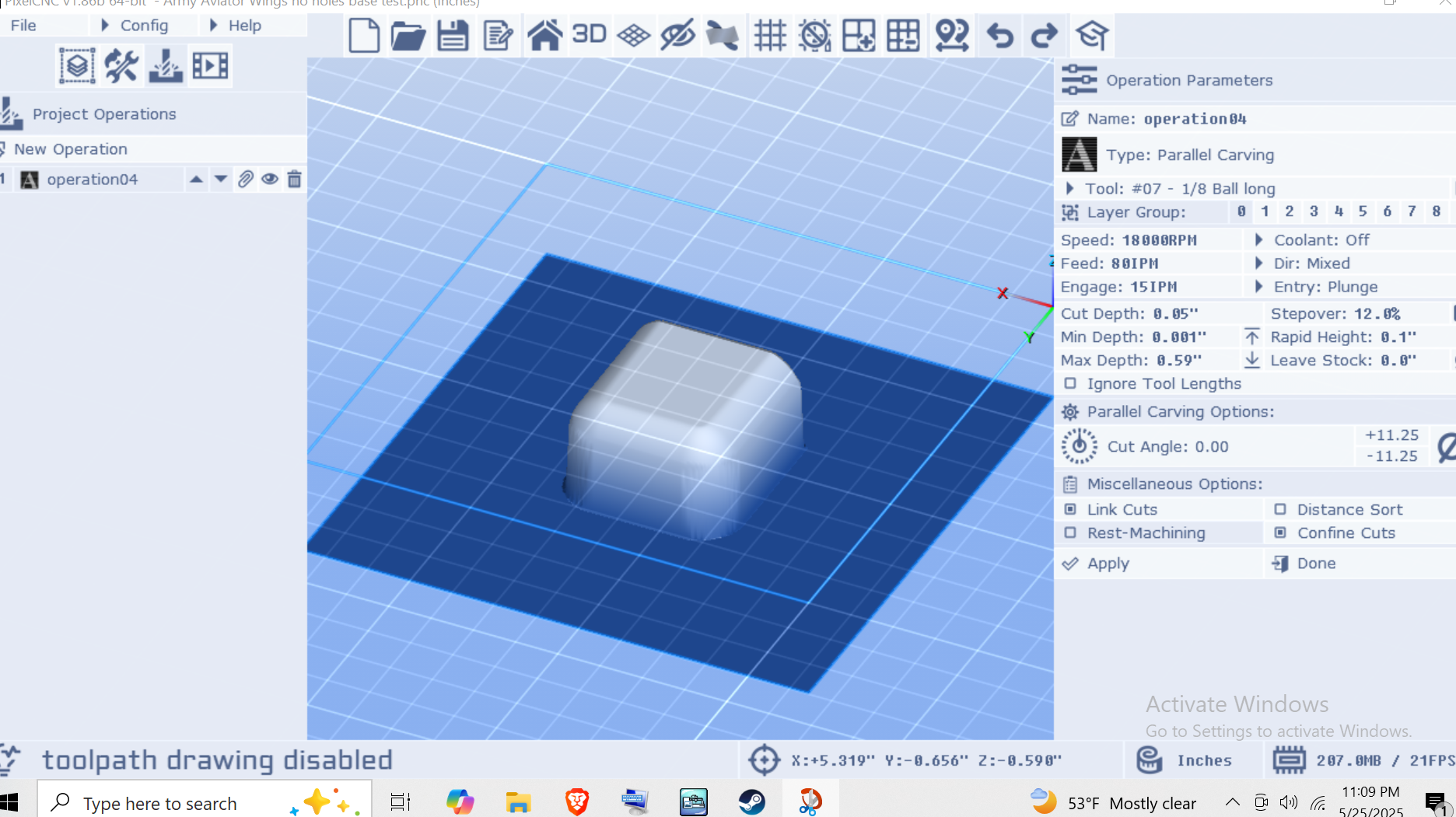
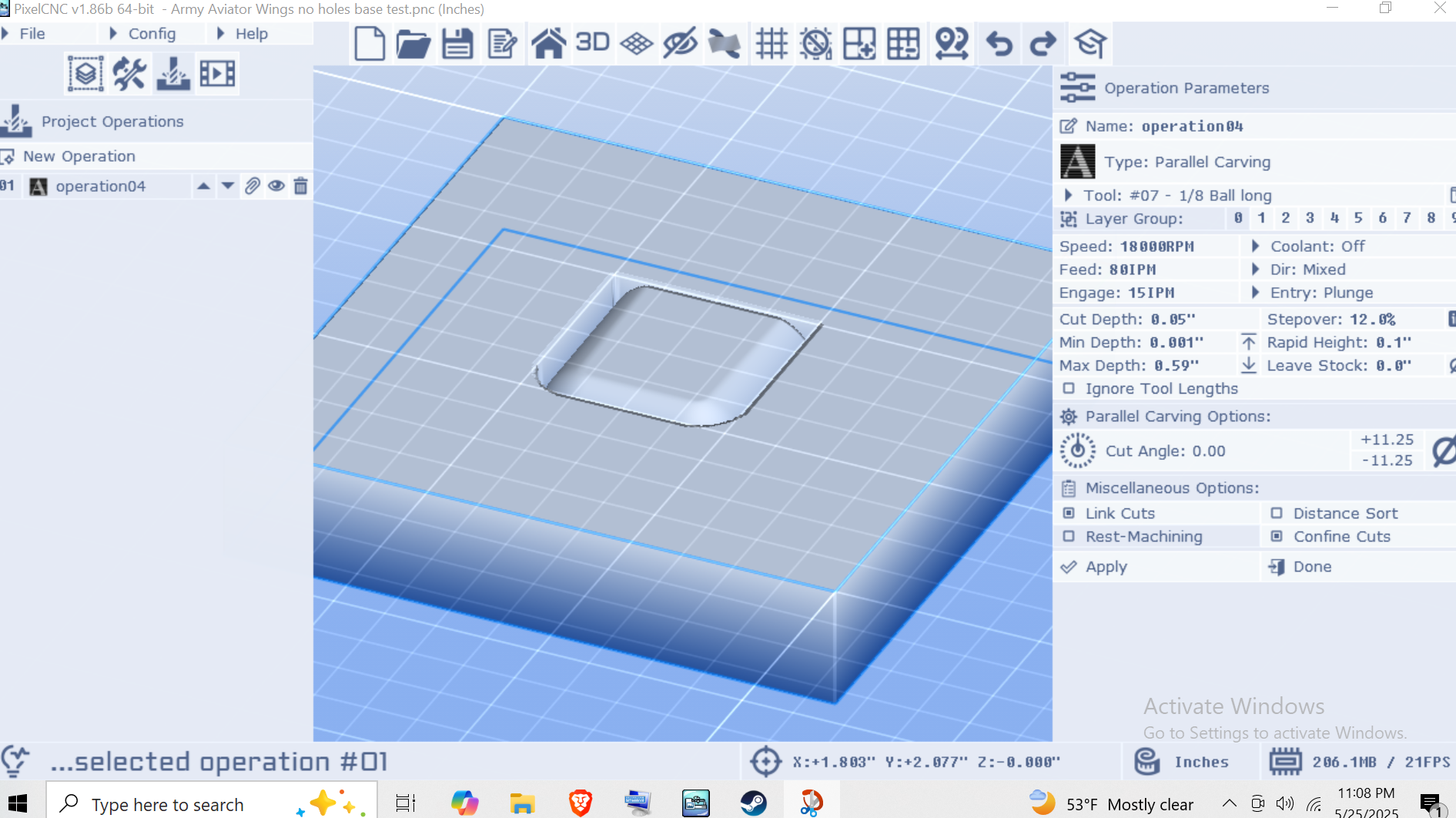
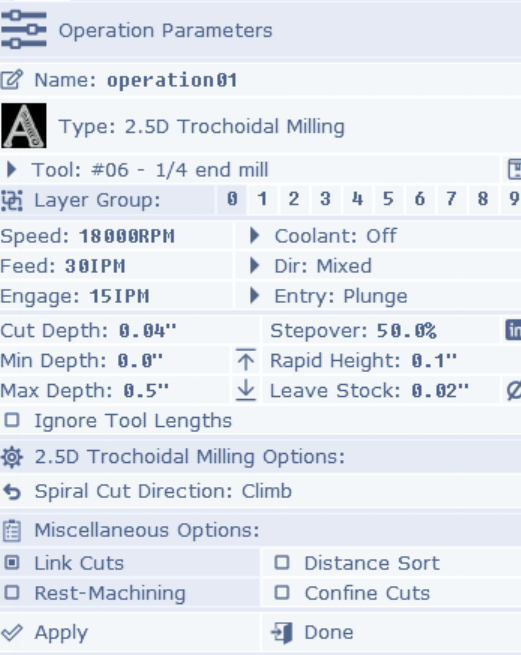
I added .0625 to the project canvas, kept the Z of the model right at the top, also added .0625 to my leave stock setting on the roughing pass. When I did the finishing pass(1/8th ball nose) it cut down that extra .0625 into the spoil board leaving a nice clean edge, very little sanding needed. It was a little more murderous on the spoil board than I had hoped, but I guess that is what it is there for. So does that make more sense and is that the right way to do it?
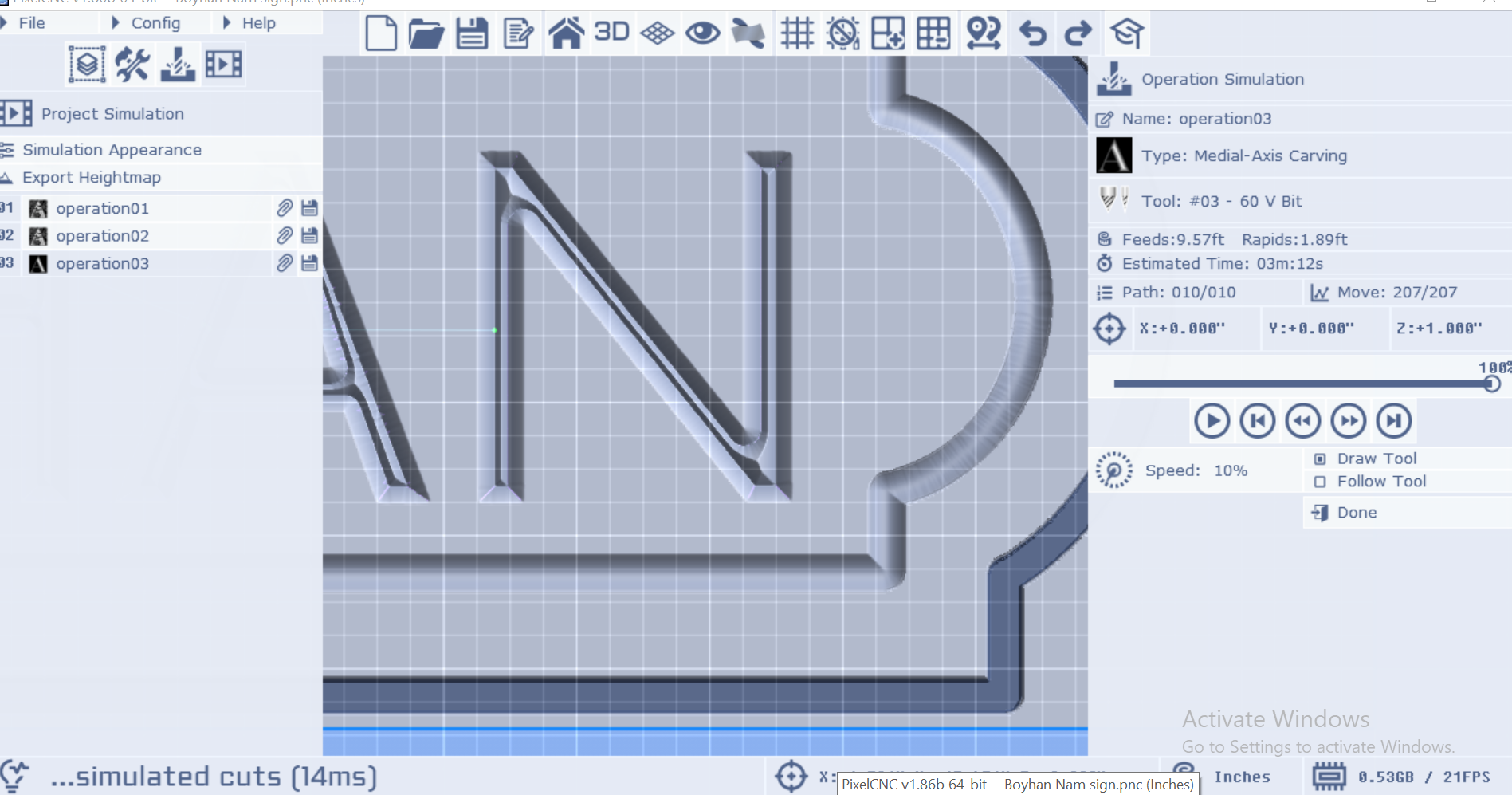
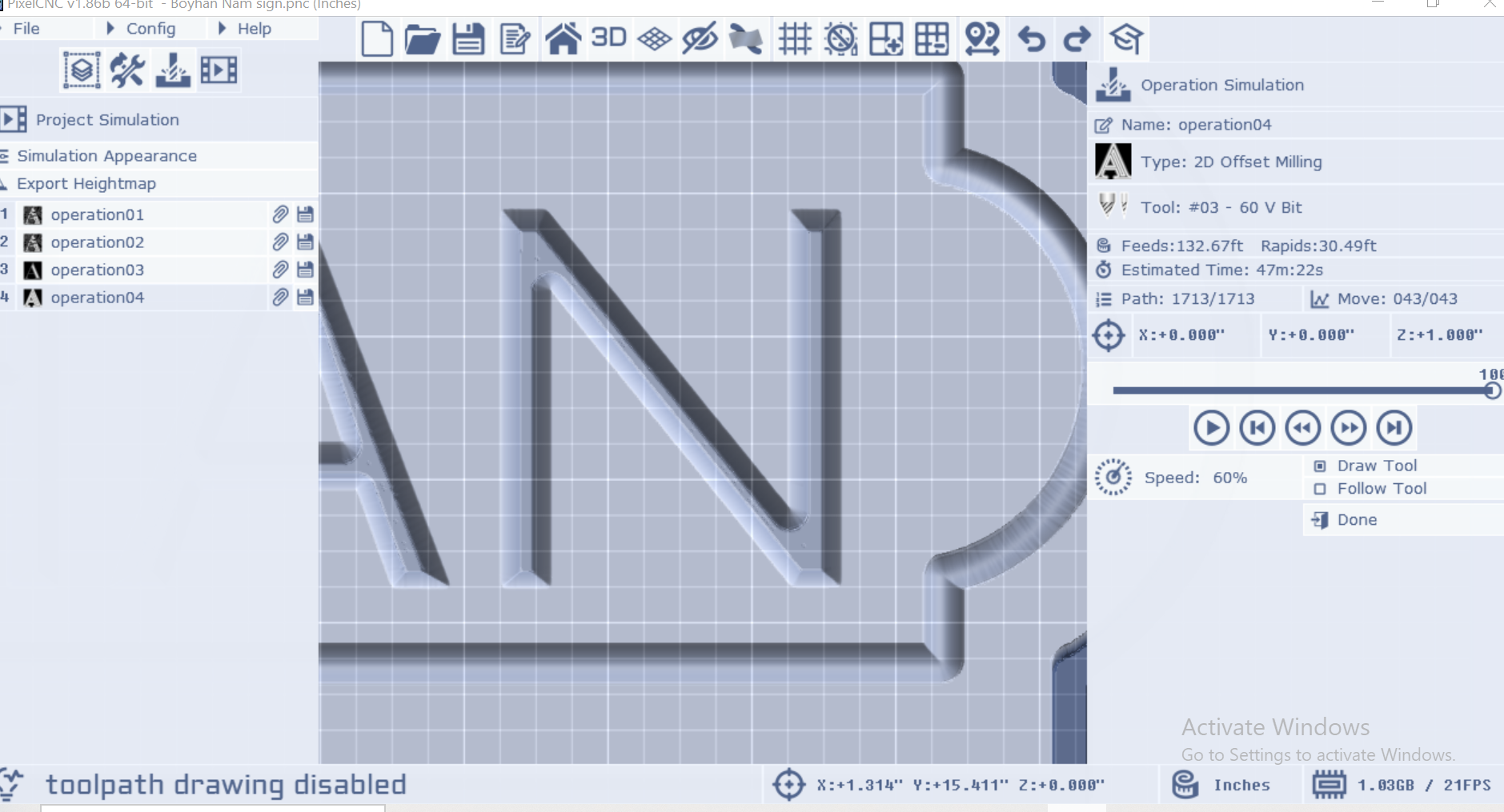 Is that the way? Thanks in advance
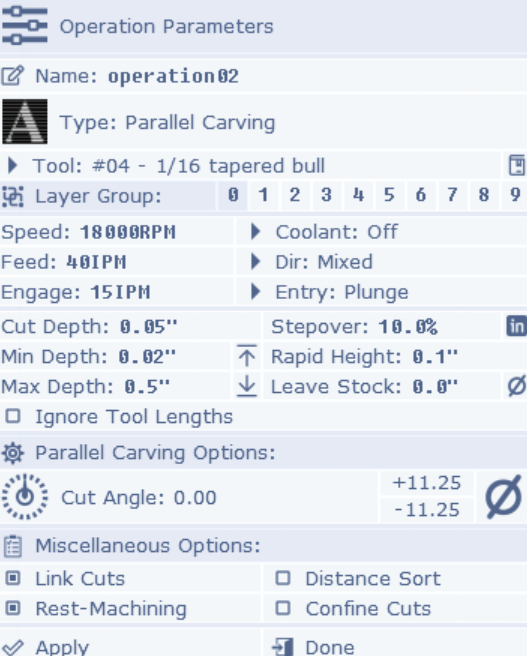
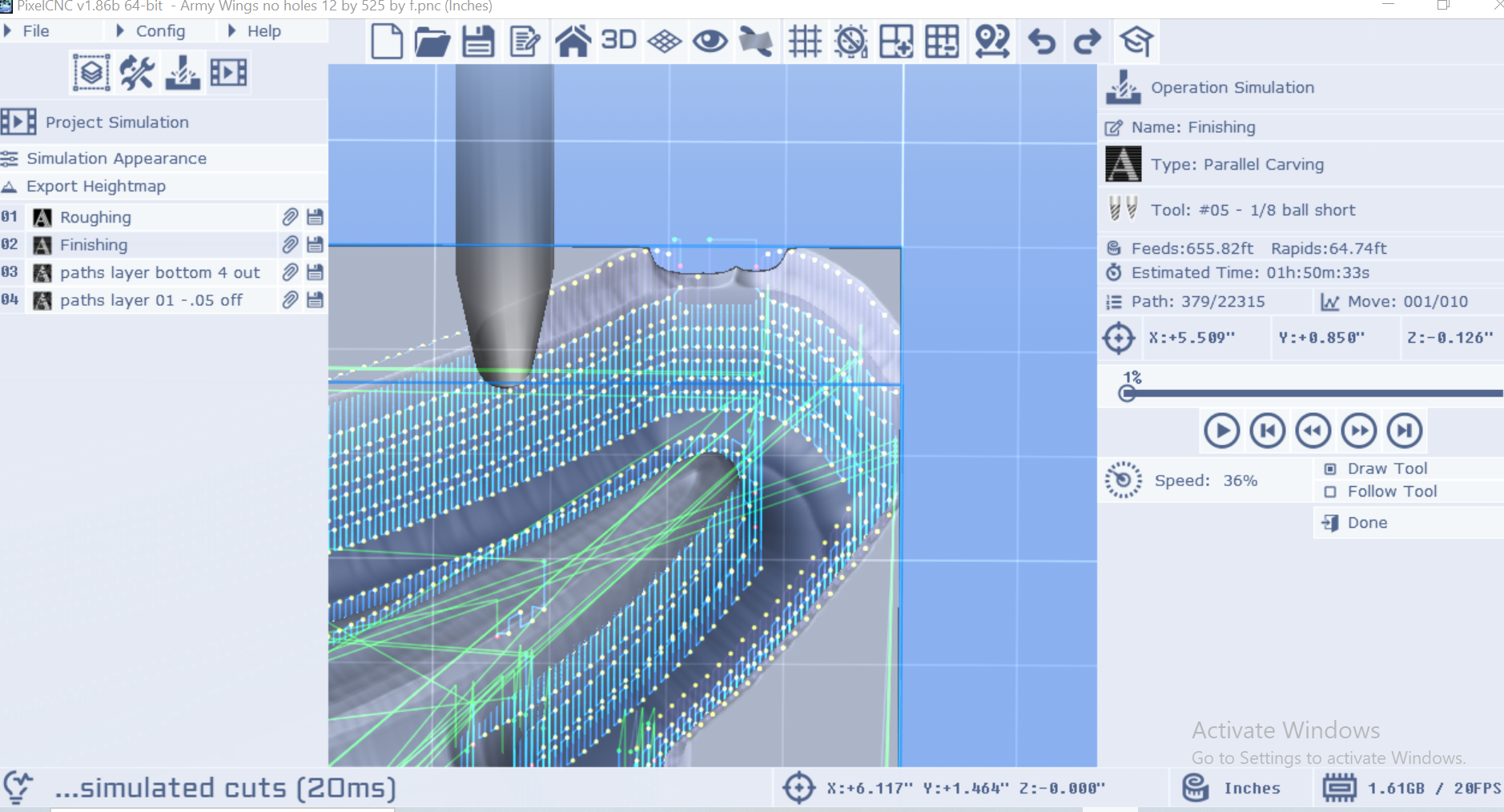 After the roughing pass there is no material near the model that would need to be cut away to make room for a bit but the finishing pass still insists on touching the outer wall of the raster layer. Is there any way to stop this or is that just the way it is?
 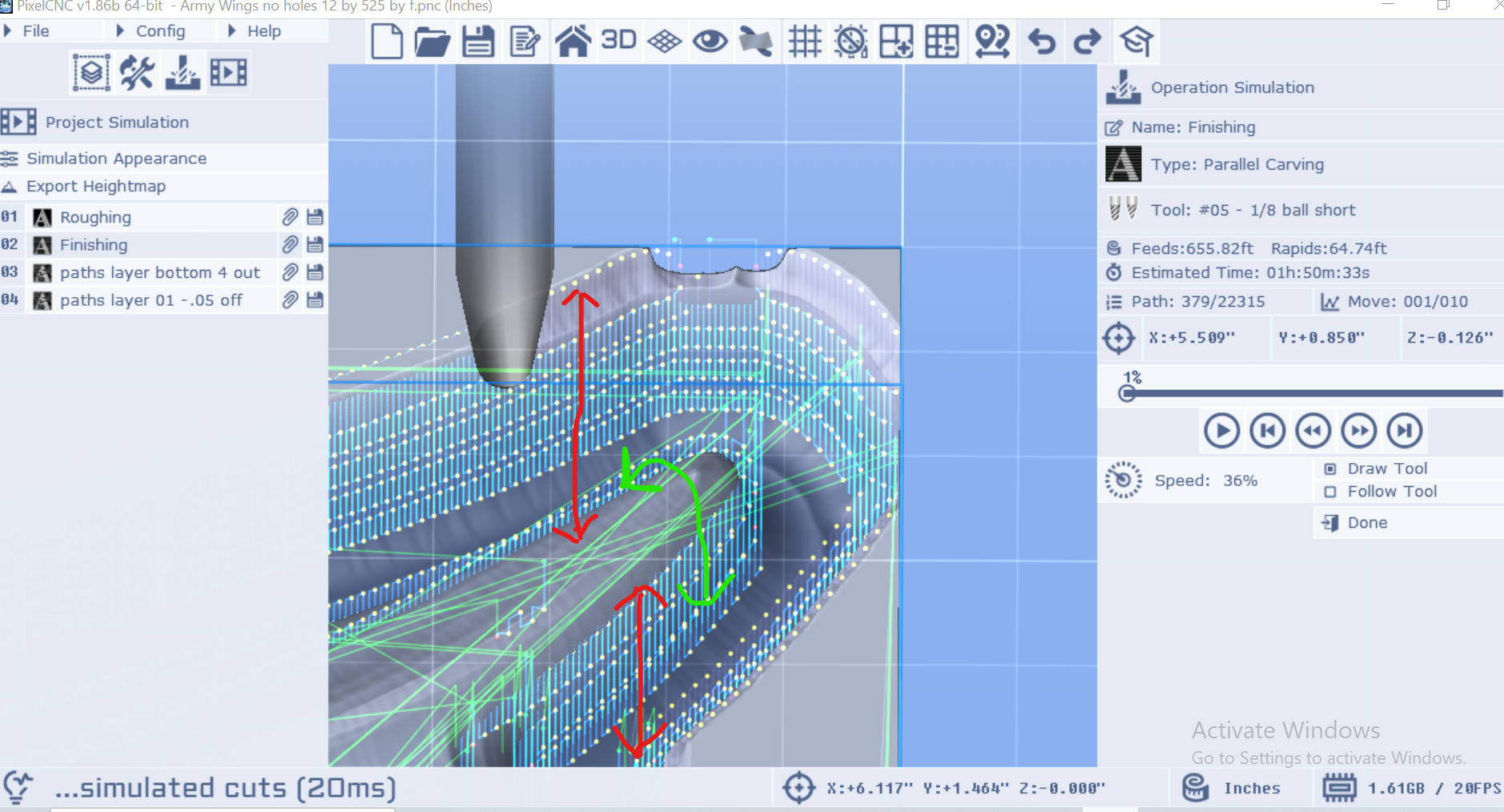 It's doing the red arrows when it really only needs to be doing the green arrow. Hope that makes sense, looking forward to hearing your thoughts