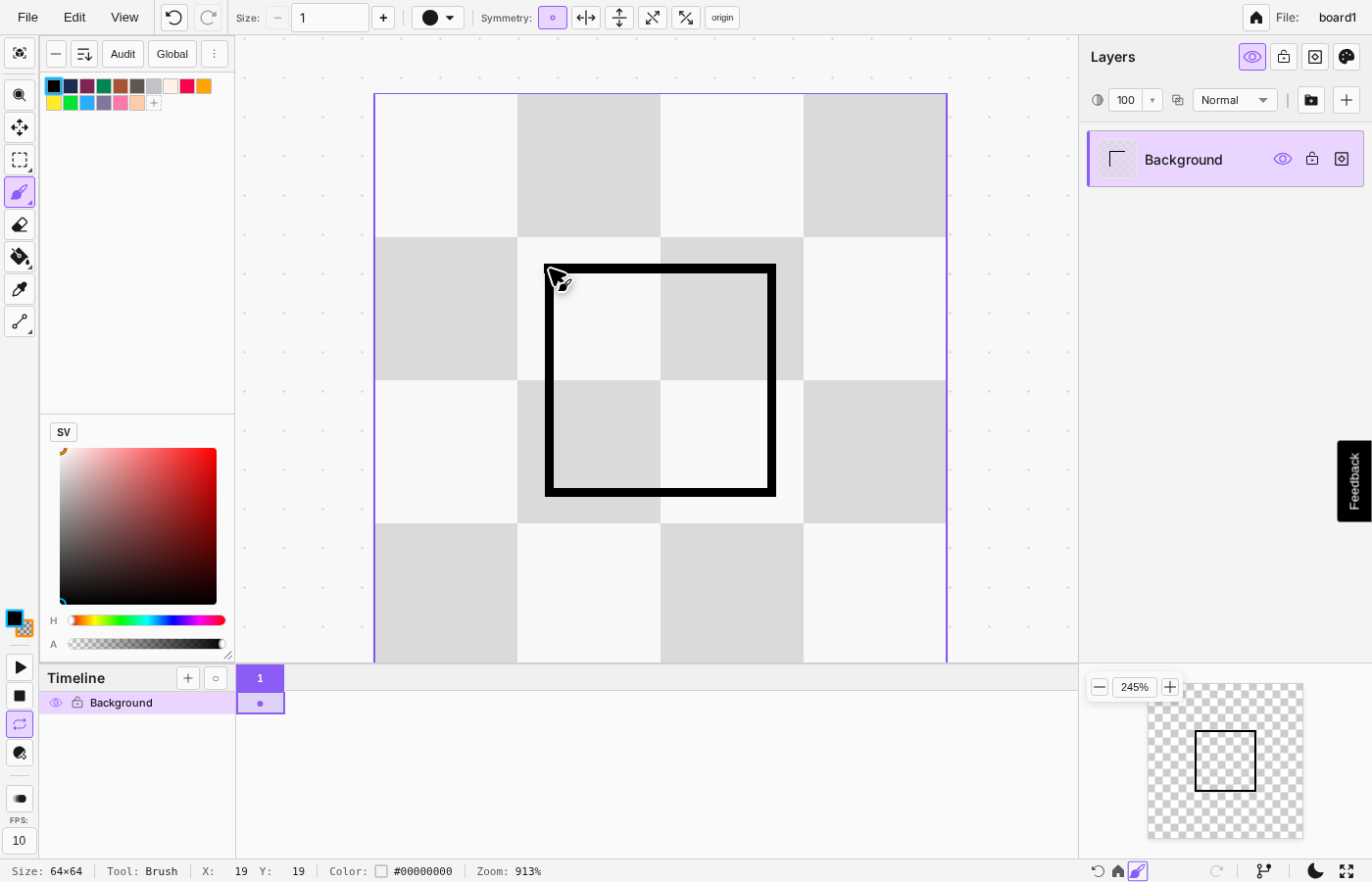
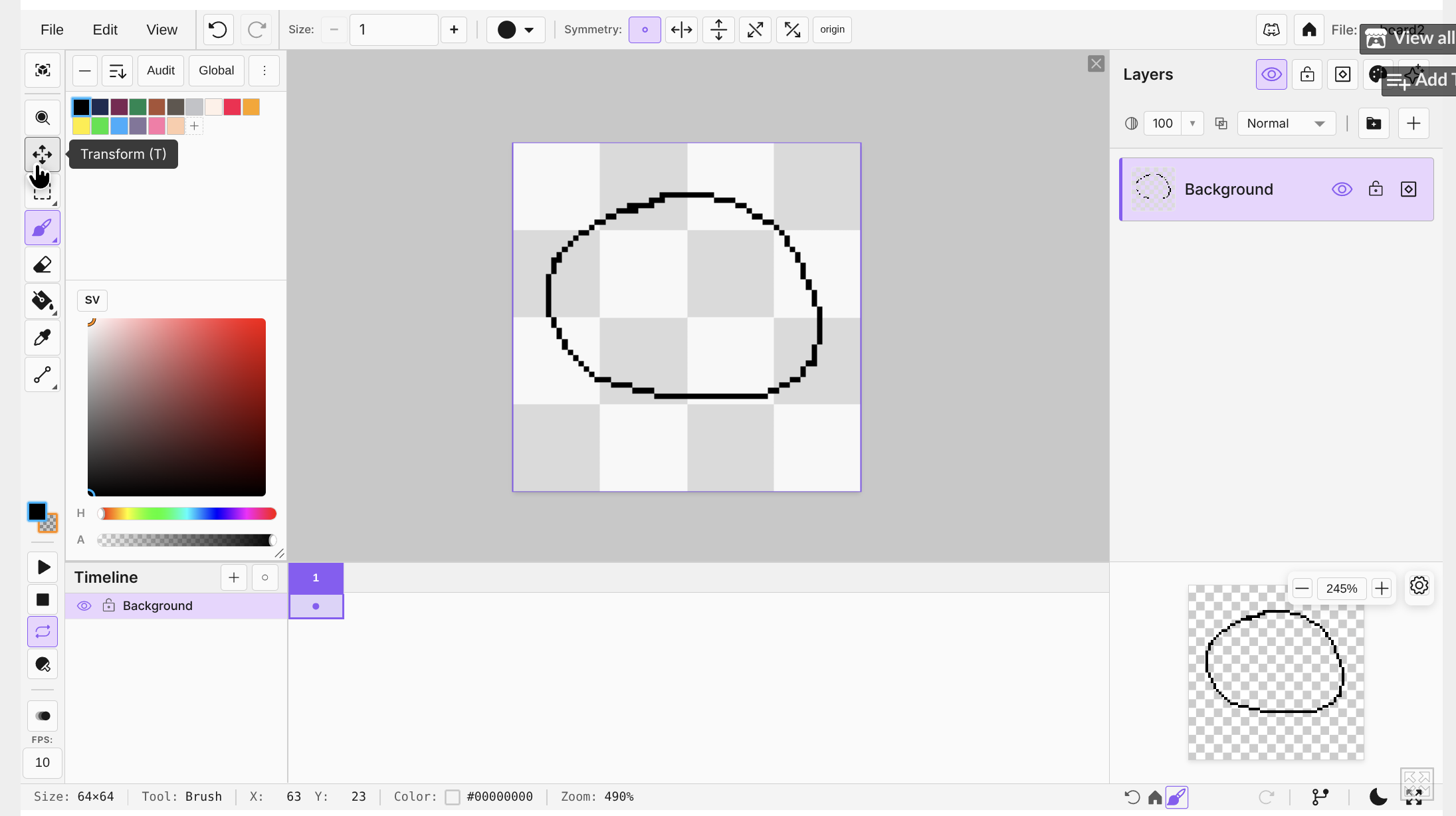
That UI should appear when clicking on any board or creating a new one
marcel0ll
Creator of
Recent community posts
Thank you for trying and letting me know you had trouble.
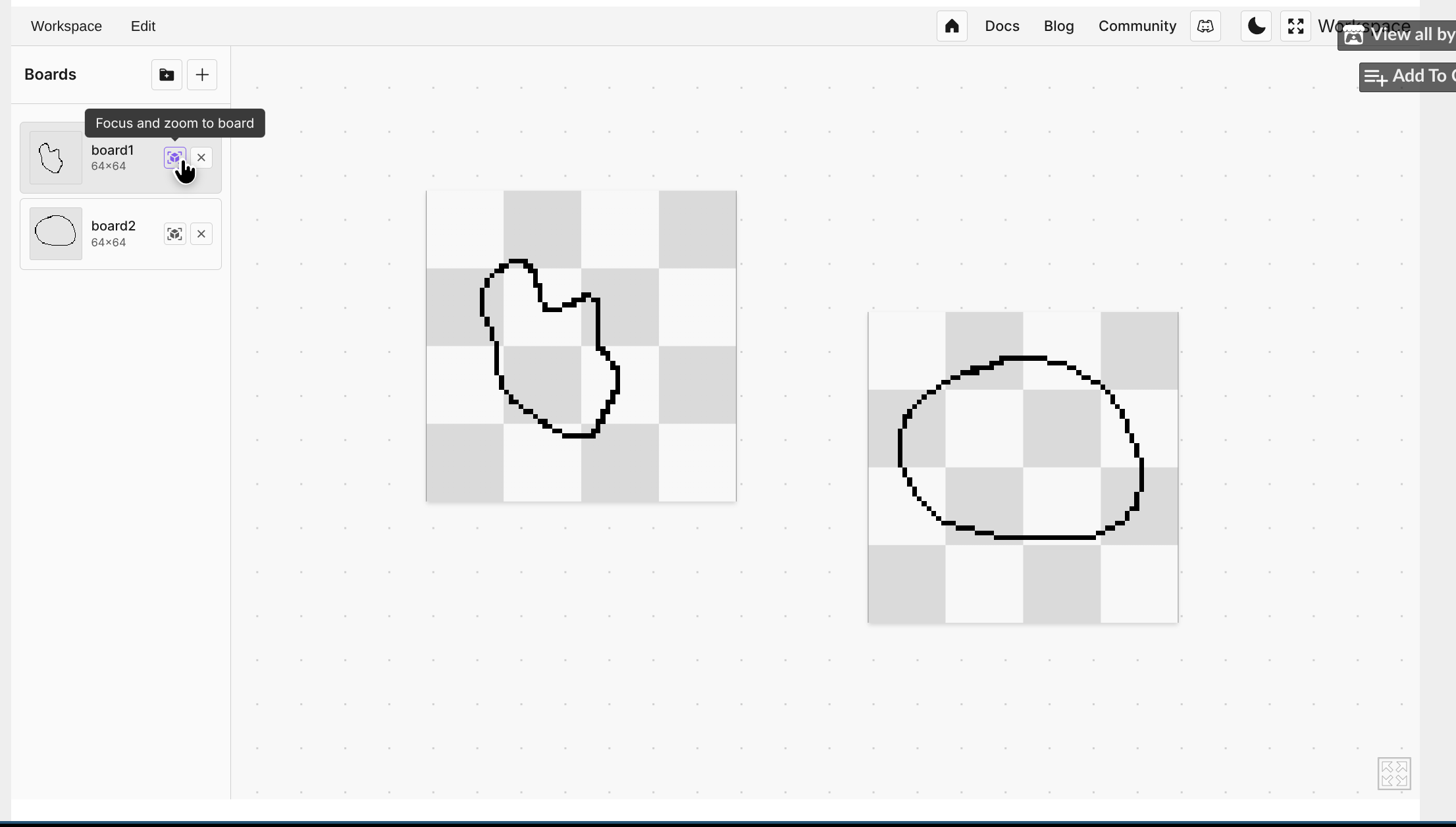
I tried to create a visual space where you could have multiple files open and quickly jump between them to edit. So a board is just a file already open in an “artboard”. Whenever you create a new one or open an image, it should automatically focus, and then the editor tools should show on the screen.
You should have seen something like the images below:
Hello all, I am marcel0ll and I am building a pixel art editor that runs directly on the browser. The concept started basically as “Aseprite on the browser”, but I want the app to grow out of this simple premise and provide unique features.
For example, I believe I can build real-time multi-user features so that people can create art together. It could be either built into a desktop version of the app, so you could host/join, or be a premium feature for the web version.
The app already has all the basic features, but there are still rough edges that need polishing.
So what feedback am I looking for?
-
I am looking to polish the experience of the app for pixel-artists. So what would make the app better for creating pixel art and sprites for game dev?
-
Do you have any ideas on features that are lacking in other pixel art software that you would like to see in a new app?
-
Any feedback is welcome!
This is the link for the app on itch:
Oh, I am surely a hobbyist game developer, and the “large spike” is just large for my own context and experience.
I did not market Quacktory much, just a few posts on Twitter, and that is it, but for my latest pixel-art editor project, I am spending some money and time trying to promote it, but even so, without a lot of feedback from users. I know some people are using it, but almost no one has made any kind of contact telling me about their experiences and what they like/dislike, making it hard to iterate in the right direction.
I did not consider all those tags for Quacktory, and they might have helped.
Thank you all for the feedback.
Hey, some friends and I have posted a few projects here on itch, and on all of them, we saw a similar pattern in analytics.
A large spike as soon as we post it, and then after a week or two, it stops getting impressions and views/plays.
How should I read this?
Should I understand that the project was not good enough? that our marketing is lacking? And how should we improve?
Hey, thank you! If possible, could you rate the app?
Yes, there is a big chance of having a downloadable version in the near future.
But for now, I will keep it web-only, as it is faster to iterate on new ideas and find good workflows for pixel artists and game devs, which will help differentiate from Aseprite and similar apps.
Hey all, version 0.3.0 is out now!
The full changelog can be found here
But the gist of it is:
Update v0.3.0
- Improved canvas resize modal
- fixed duplicate frame bug
- added new layer effects system
- perceptual color correction options
I am planning what to work on for the following updates. I will probably add import/export from the GraphicsGale format, and I am thinking of adding a sprite stack visualizer/preview option.
If anyone has suggestions for next features, let me know!
Hey, thank you for letting me know. I am working on an update for tomorrow, and I will include a fix.
If possible, could you rate the app here? It helps a lot.
Hello all!

I am currently building Novaboard, a pixel art editor that runs directly on the browser. I am looking for general feedback about the app and its usefulness for artists and indie game developers.
Currently, the app is 100% free.
What Novaboard can do
- Free and runs directly in your browser - no download or account required
- Opens Aseprite (.ase) and PSD files - edit existing assets without buying software
- Infinite canvas with multiple boards - work on several sprites in one workspace
- Full animation timeline - frames, playback, and live preview for sprite animations
- Visual history with branches - undo/redo with full timeline, never lose a version
- Exports to sprite sheets, GIF, APNG, and timelapse - ready for your game engine or social media
- Auto-saves locally - your work persists even if you close the browser
You should be able to rotate while in “preview”, after you build it you cannot rotate anymore; you would have to deconstruct it and build it again.
To deconstruct, hold “run”, which is shift or L3 and then hit the building 3 times and the building item should drop again.
If it does not work let me know, I will check nevertheless if I can make it more intuitive.
Nice concept, but I feel that you should have more possible actions for the user, maybe the user could have a set of dies and use one or more per attack. Or even have different sized dice for different actions. Heal a d4, special attack a d20. I missed some kind of visual feedback when the enemies dies. And was hard to know how much damage I was going to do.
Hey, nice concept to add flap like movement to an extended level. I missed being able to walk on slopes and the sprite be angled, also there is a segment where you can walk on the spikes which was unexpected. Also I think you could increase contrast of the trees so that you can better see that they are hollow and you can pass throught.