







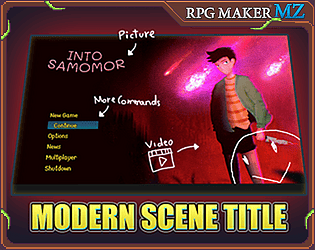
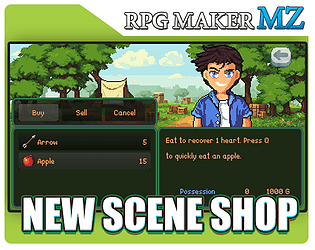



To get a custom scene opened up, simply call the scene using the method provided by the plugin you're using. Since it's VisuStella plugin, you might want to check their plugin description or ask Visu directly to know how to call their scene.
To make player not moving around, you can use Autorun method, a traditional RPG Maker feature that stop all movement on map. The second way is use Pause Events command from Pictures UI Creator. Make sure you use the latest version, which is 1.3.8