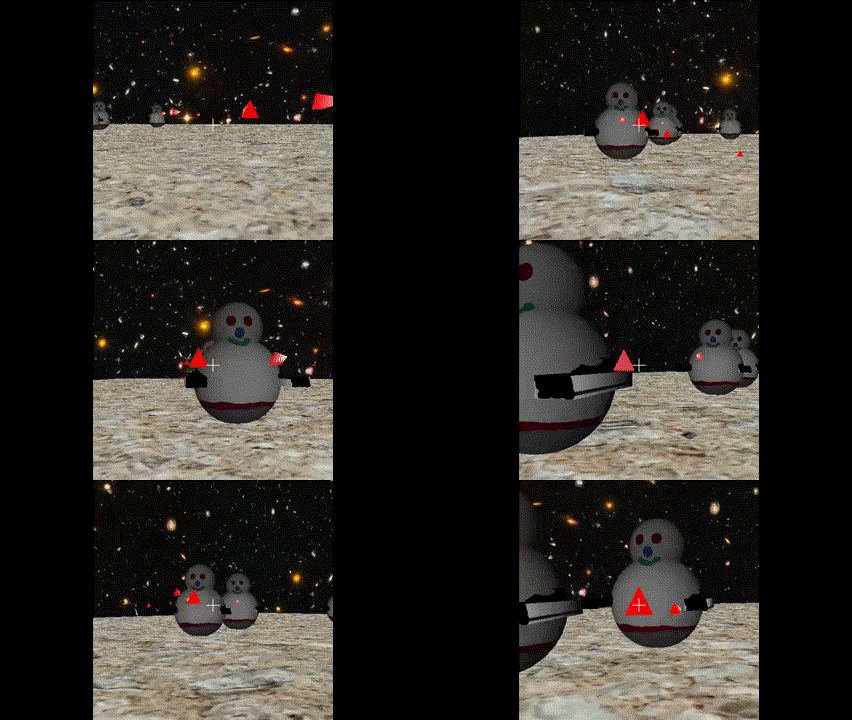
OK Thanks. I got it all working. I will send you a link to my updated version. Currently I have the full screen working and the mouse lock working with both desktop and web. There are a few details to discuss but overall I accomplished what I wanted. Now I have another library I can develop with and achieve web deployment as well as desktop which I really want for development.
A member registered Jan 22, 2023 · View creator page →
Creator of
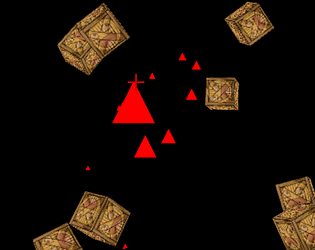
A space shooter where you have to shoot the space aliens, or die!
Shooter
Play in browser
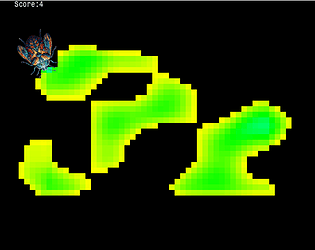
My learning of opengl -> webgl through whatever tools I choose
Educational
Play in browser



A space lander game where you can erase your mistakes.
Puzzle
Play in browser
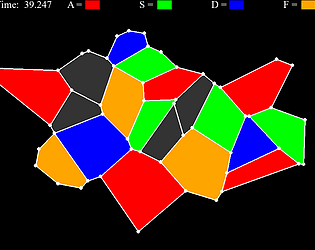
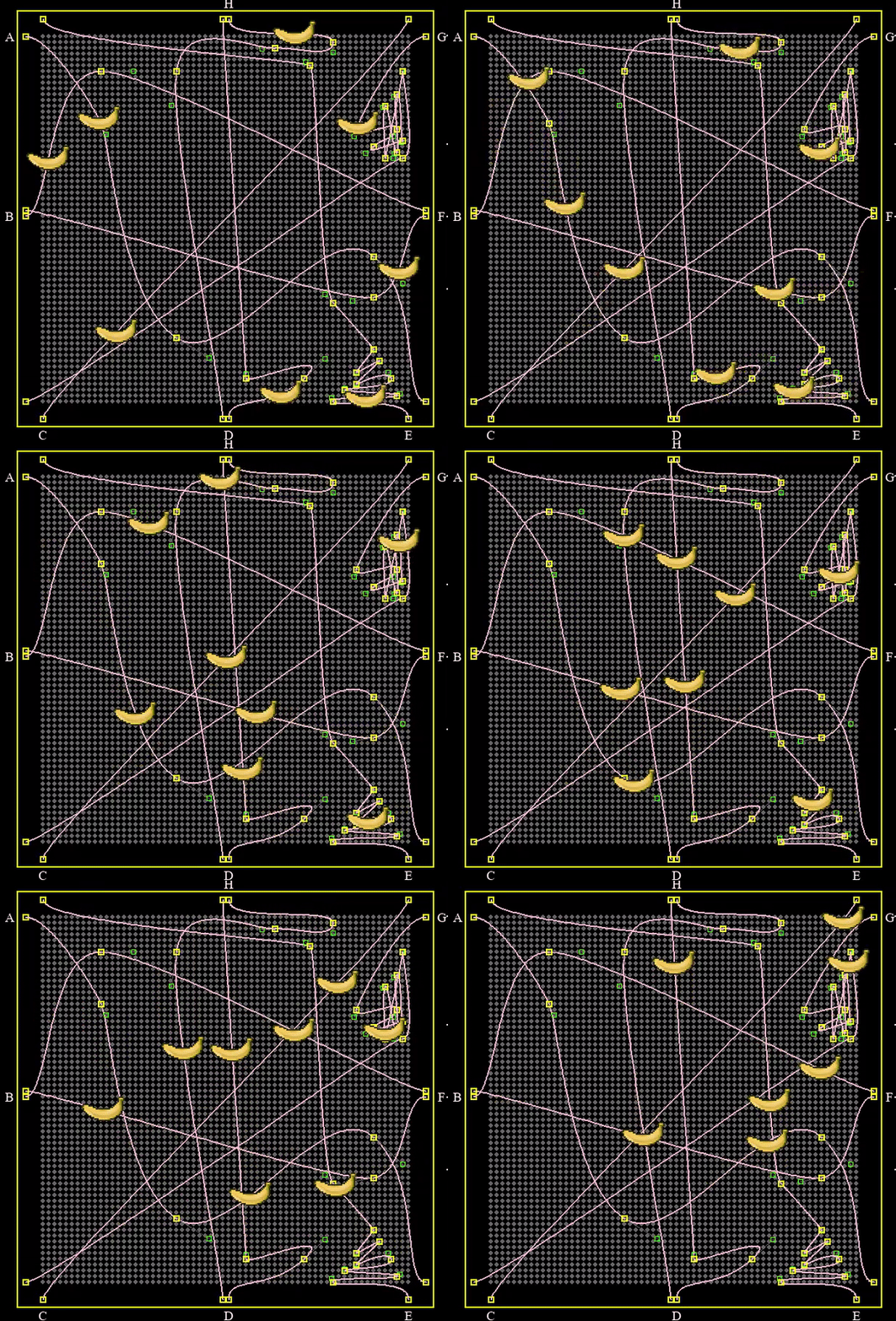
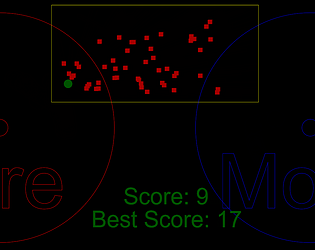
Every planar map is four colorable. You can prove it.
Puzzle
Play in browser
Recent community posts
itch.io Community » General » Release Announcements · Created a new topic You can win this game in 30 seconds. Give it a try.
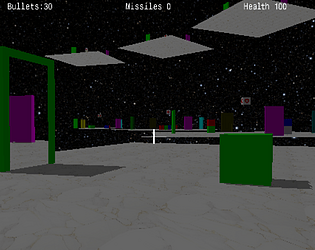
The game is Crate Blaster and I made if after completing Chapter 1 of learnopngl. It is packaged to run in a browser. https://wardini.itch.io/crate-blaster
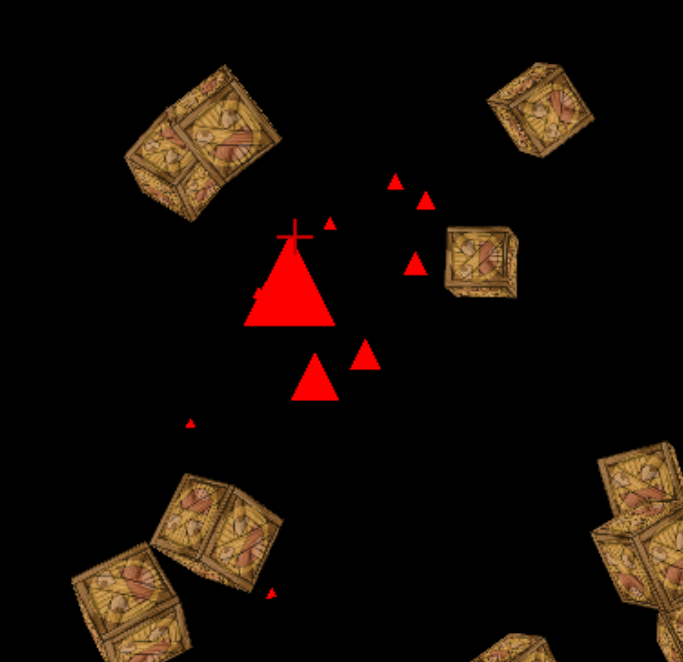
Shoot the crates to win.