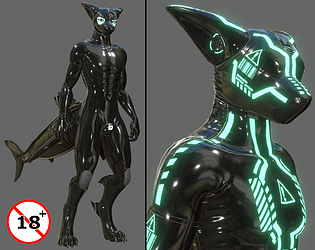
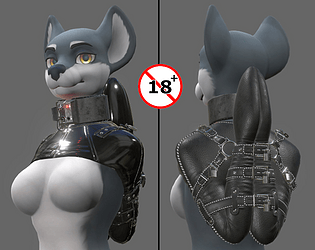
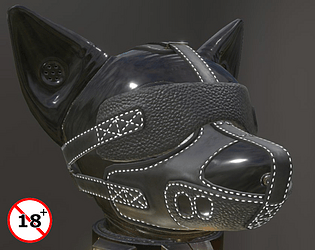
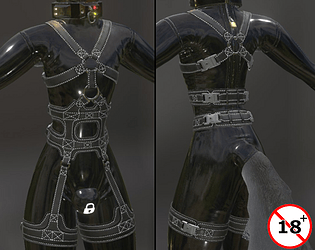
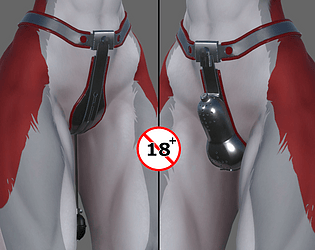
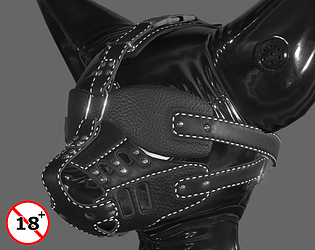
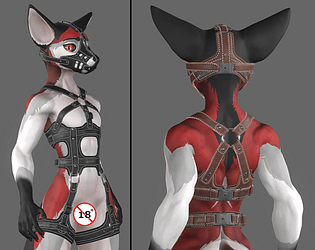
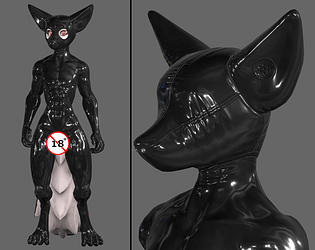
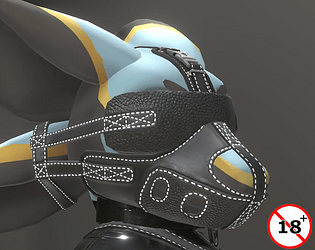
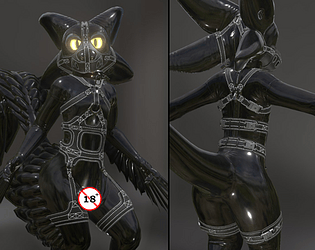
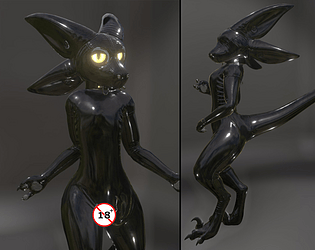
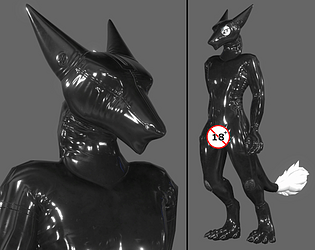
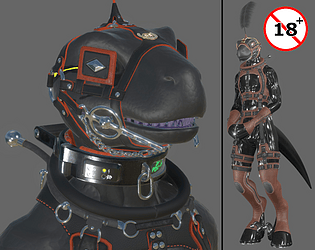
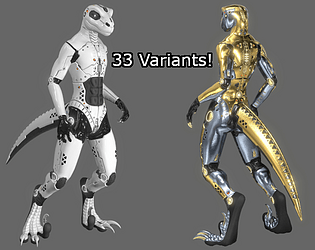
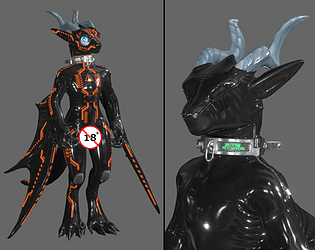
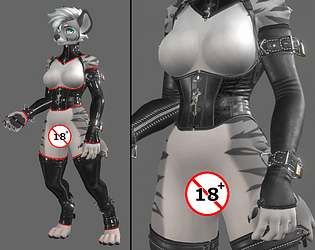
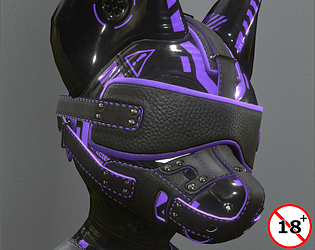
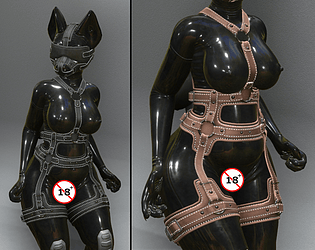
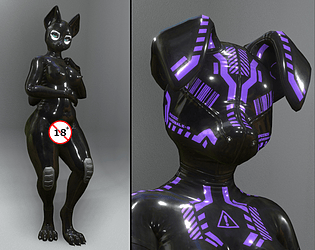
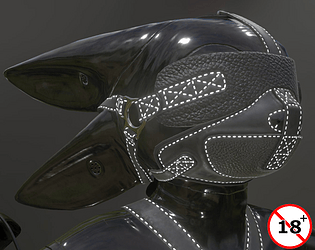
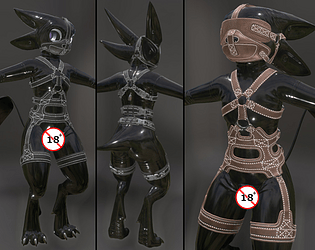
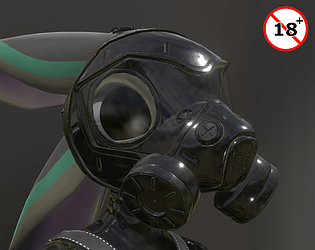
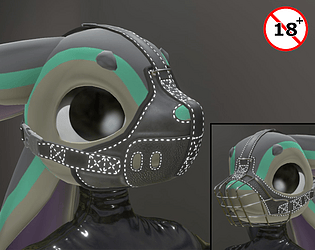
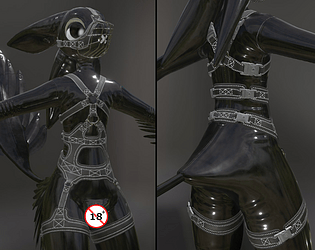
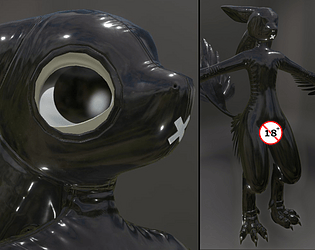
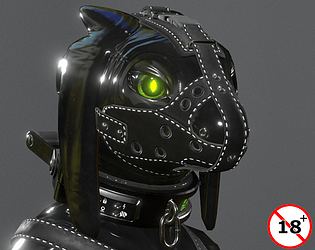
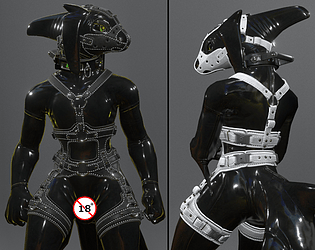
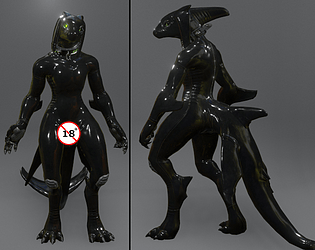
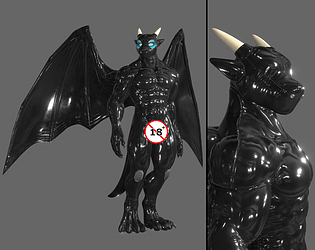
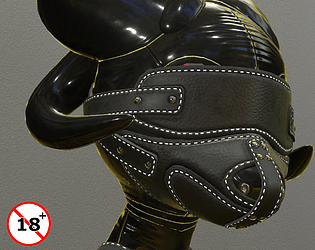
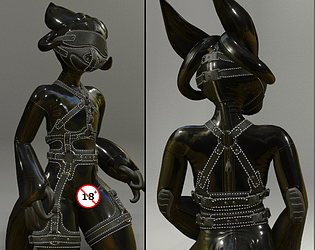
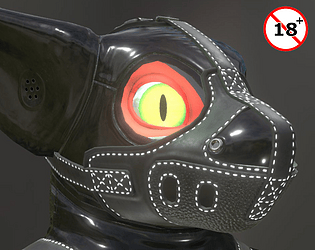
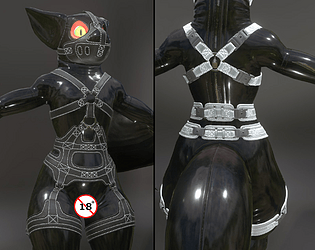
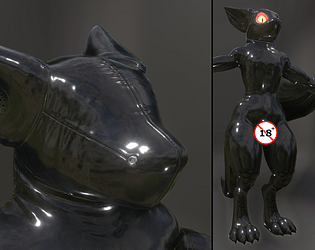
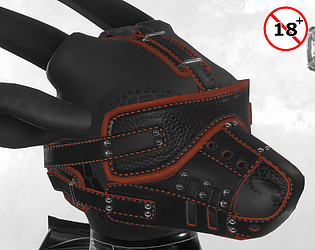
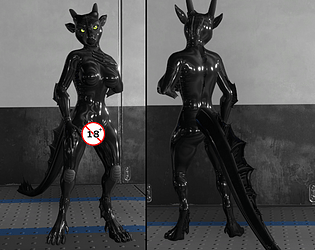
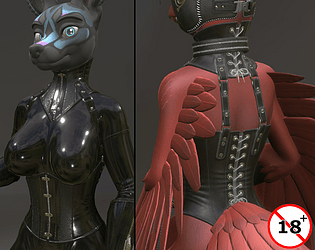
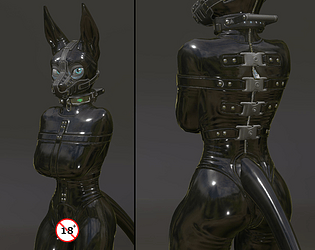
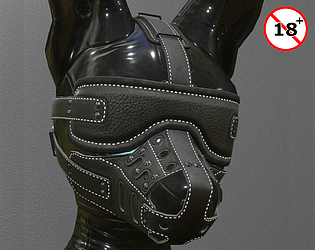
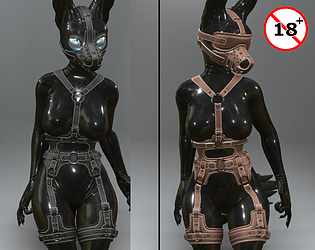
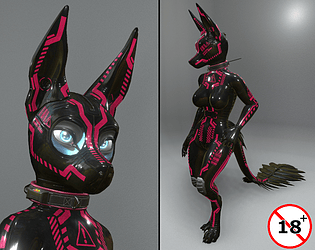
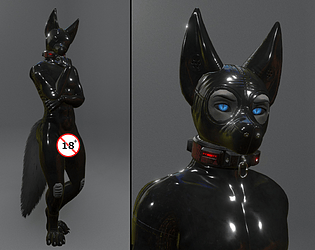
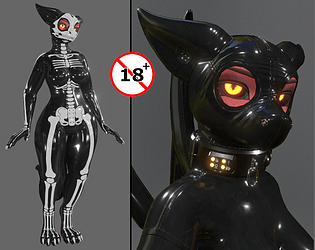
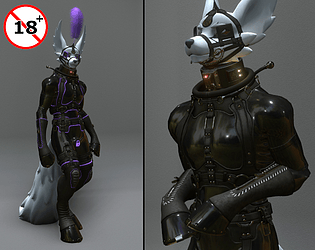
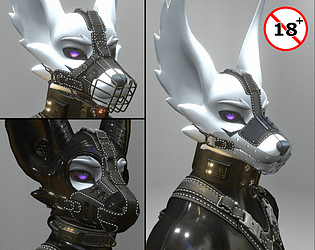
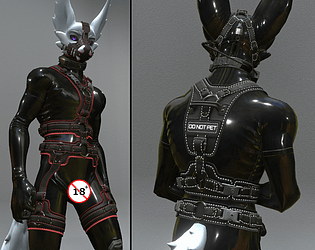
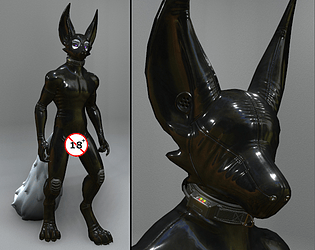
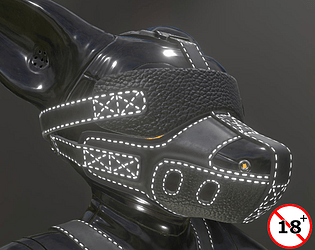
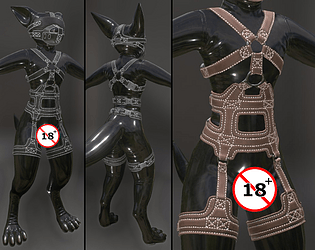
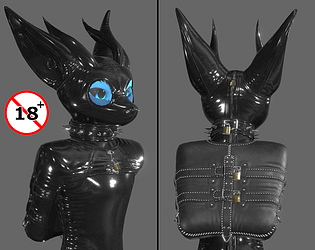
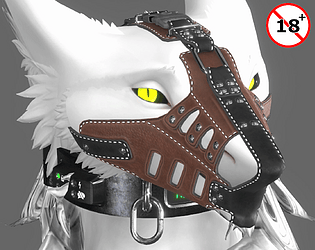
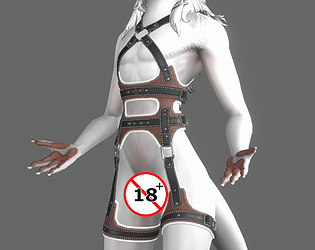
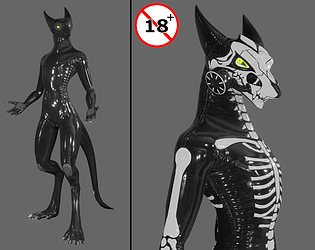
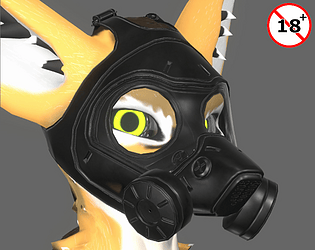
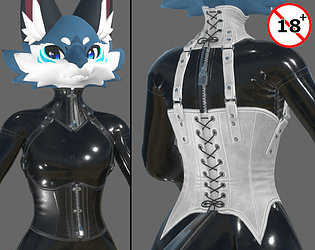
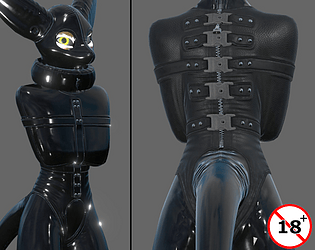
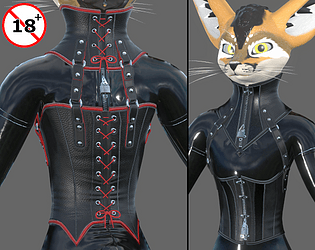
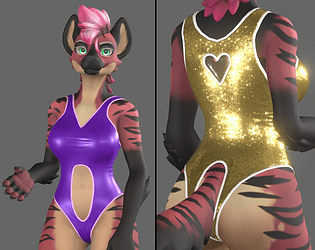
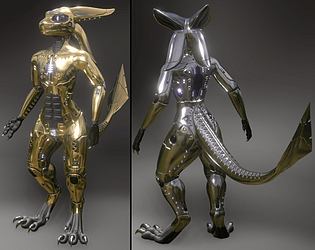
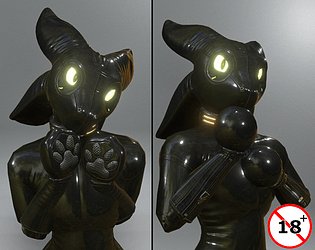
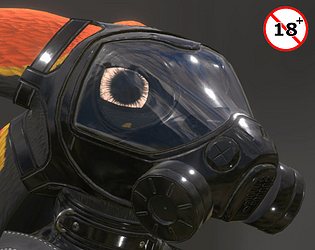
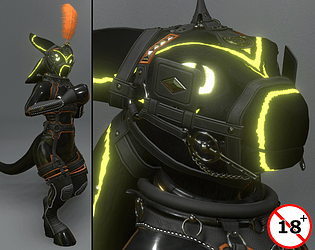
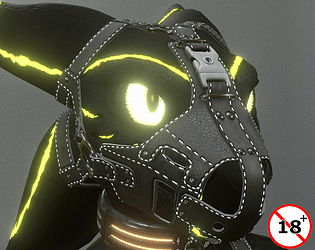
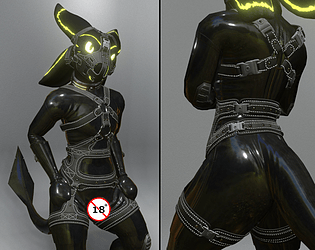
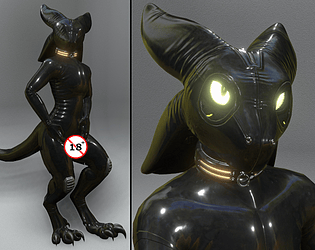
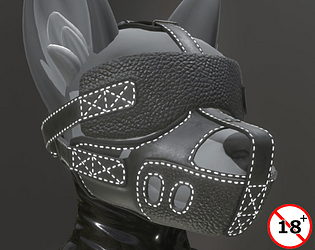
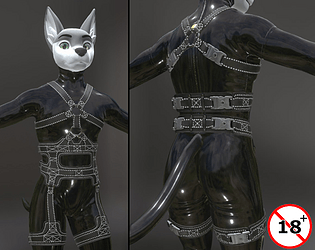
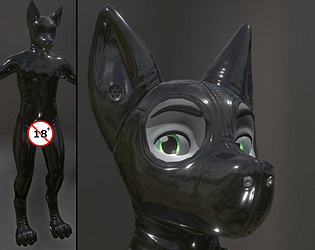
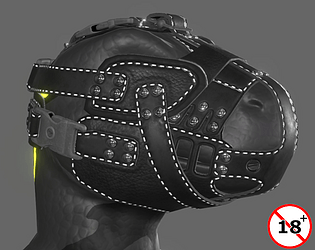
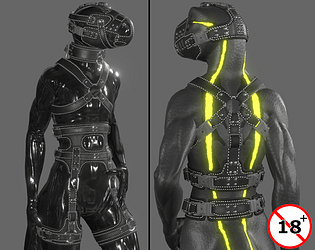
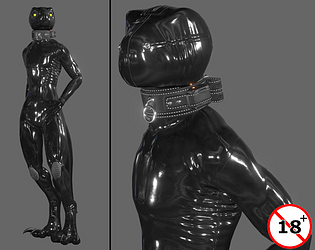
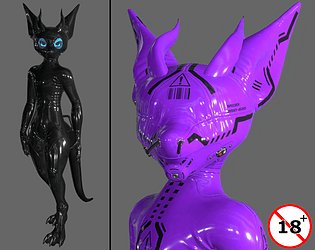
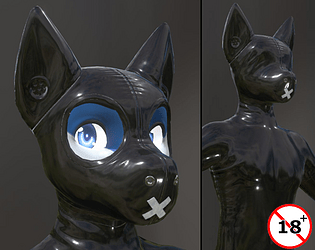
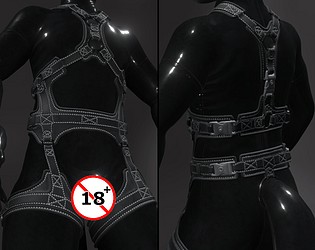
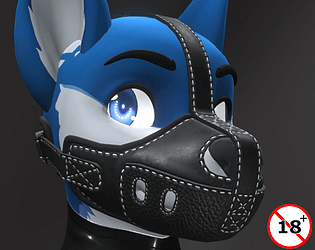
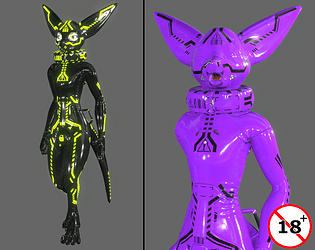
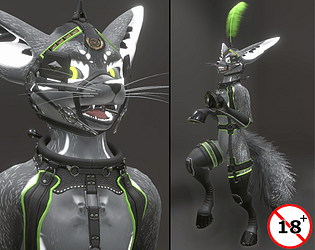
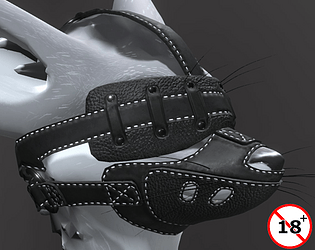
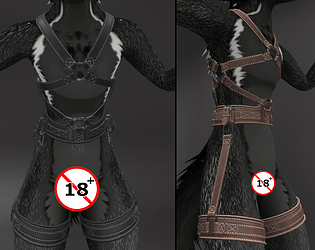
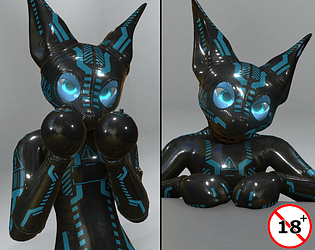
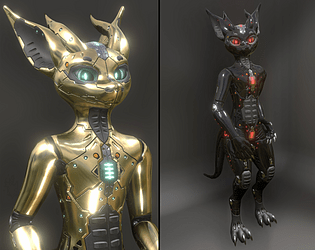
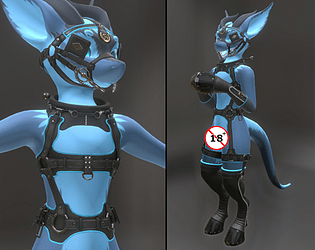
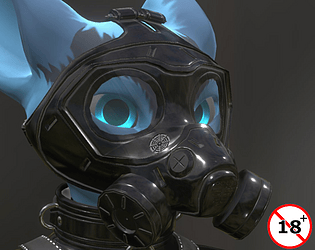
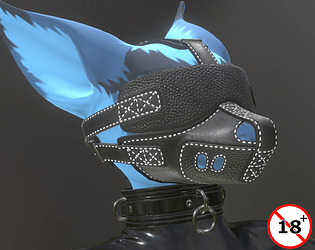
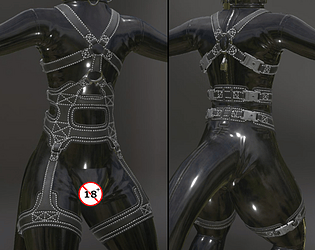
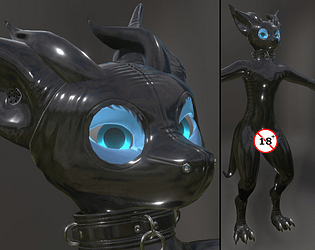
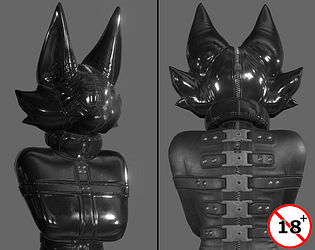
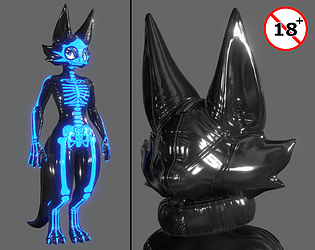
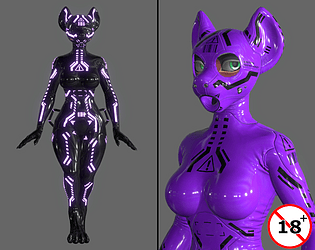
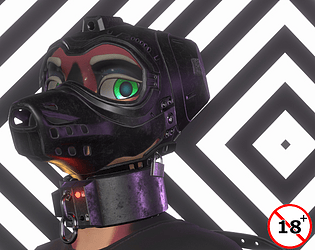
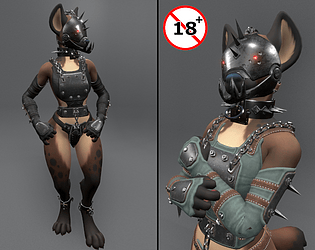
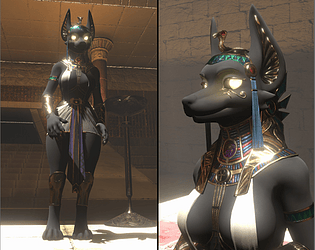
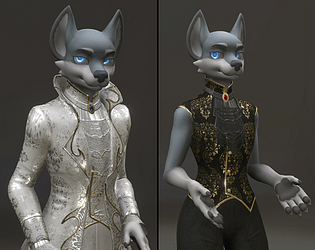
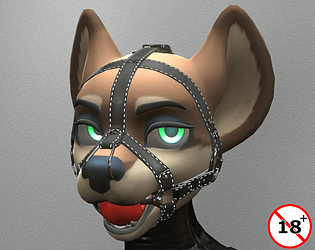
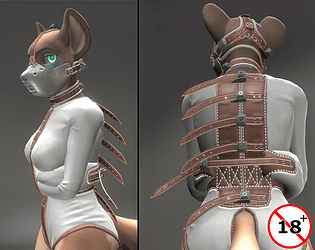
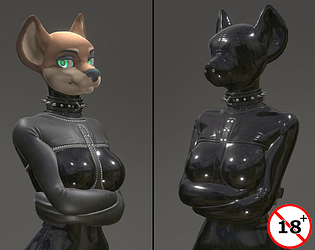
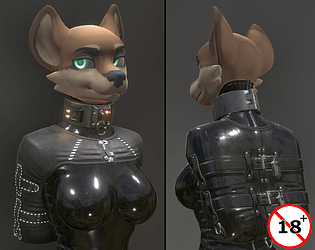
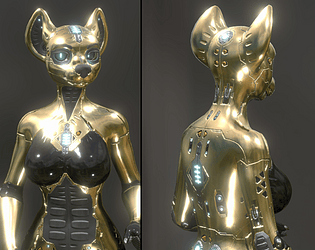
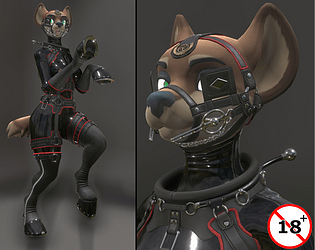
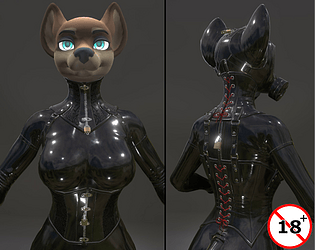
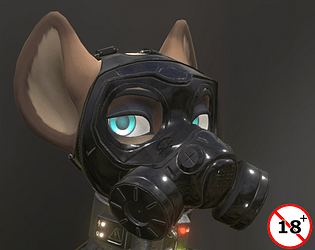
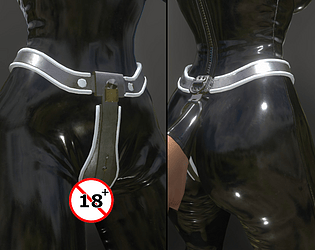
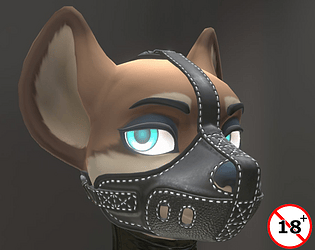
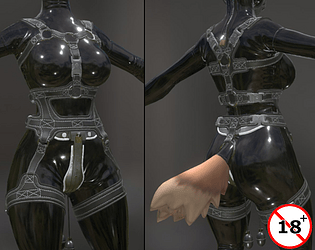
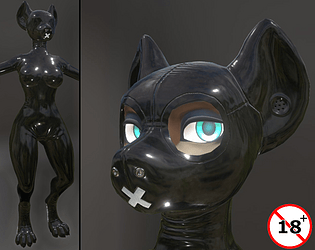
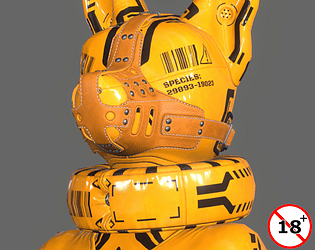
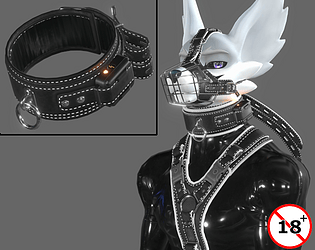
Been hoping for a decent anthro shark avatar to appear for some time now, something in the style of old Aventity Shark from SL. Not bad.
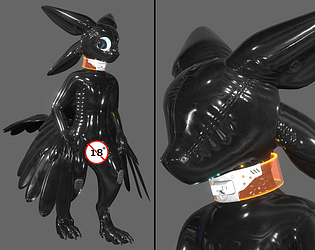
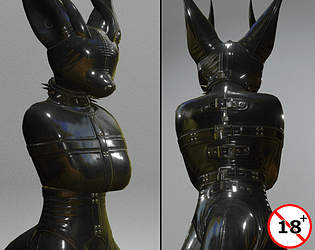
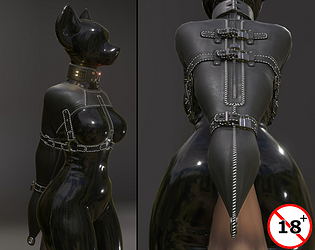
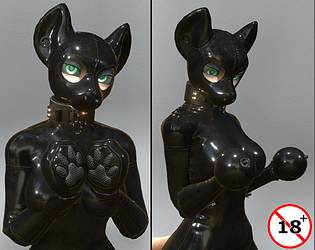
But, I'll tell you a little 'secret'; someone happens to buy me a copy of requested appareled avatar and that will be incentive enough to latex it up at least! ;)
I might have a friend that looks into the VRCfury thing and unitypackages. I play on Resonite, where those things aren't needed.
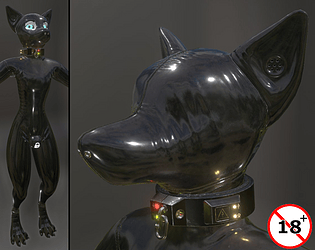
If you're otherwise confused on how to set up a latex outfit of ours I posted a pretty lengthy tutorial in the comment section of this product: https://dein-ra.itch.io/jwmasccaninelatexoutfit which is also a latex outfit, but for a different avatar.
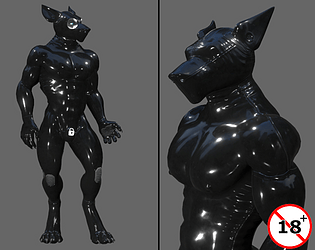
Don't know anything about any phone number. But, you essentially combine the suit with the avatar using blender by Appending either the suit to the avatar file, or the avatar to the suit file. Then make sure they both use the same Armaure.
To hide/remove the limbs the suit would hide, be in Edit Mode with the avatar mesh selected, select intended for hiding vertices/lines/polys, hit P then select "Selection".
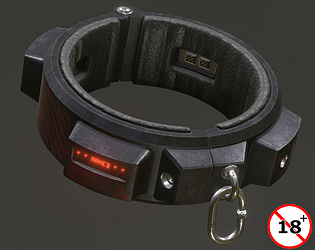
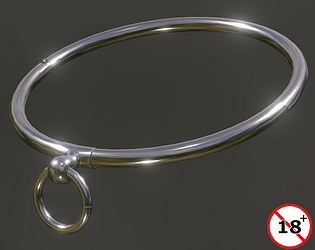
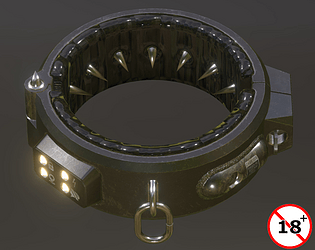
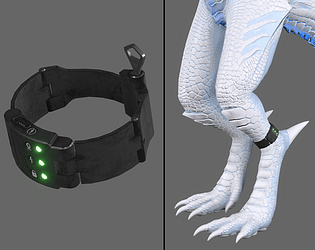
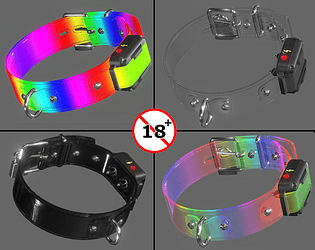
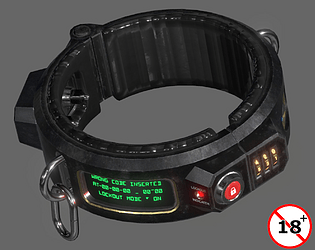
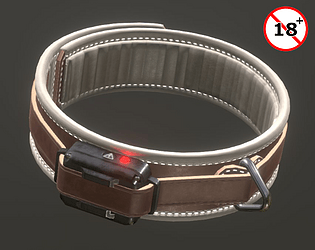
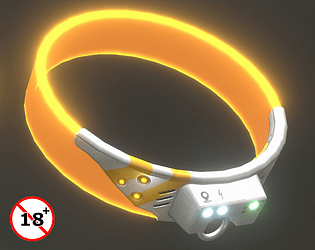
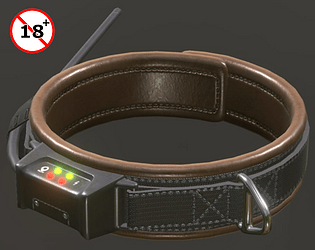
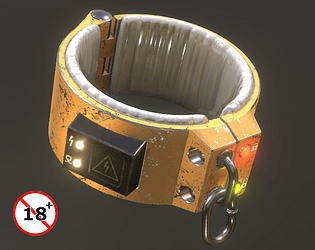
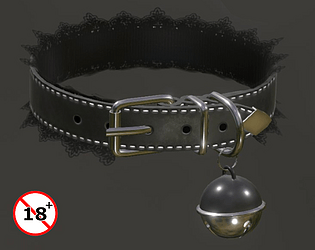
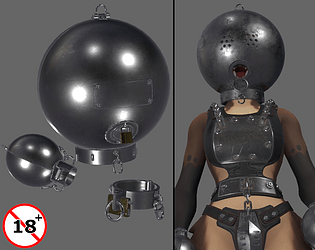
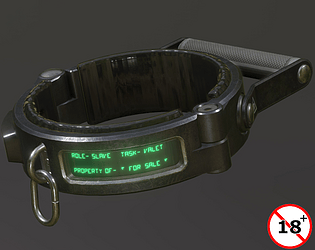
Huh, haven't re-uploaded that one. I guess I'll be doing that in the near future. Thanks for reminding, it's my Explosive Collar I made a while back for Gumroad.
Have you actually placed the Metallic, Emissive and Normal maps to their intended slots on the Material in Unity? From the images it looks like only Albedo has been assigned.
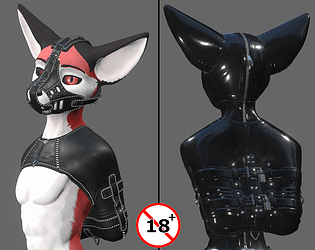
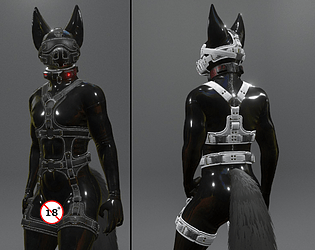
Yes, "Neorca_LatexOutfit_Body_AlbedoTransparency" would go on top of the original "Body_baseColor" texture. The outfits Emissive, Metallic and Normal would conceal the original, except for the head. The Hood mesh(es) conceals the head.
In order; you of course first combine the materials in GIMP/PS before you apply them on the model.
Albedo texture is the color of it
Metallic/smoothness is the texture that gives it its shiny properties
Normal is the purple-blue texture that handles the 'fake 3D' effect on the model
When combining these materials you do them individually. - As in - You don't combine Albedo with Normal, for instance.
You then apply these new materials in the Neorca's unitypackage. It gets slightly technical to have the materials display correctly in Blender, if you attempted it there and are left confused.
It's best to look up on a tutorial on how to import and assign materials in Unity. I play on Resonite, where you set things up in-game instead. So I have little experience with Unity.
You upload the avatar with the suit, without the limbs. As for making some kind of system that lets you hide/show them using a menu in game, that's technical. Coding. Can't help you there, I don't code.
In Blender, with the avatar mesh selected you go to Edit Mode (hit Tab key). Then select the vertices/lines/faces to be separated and hit "P" key. You get a small menu where you choose "Selection" and Bam! The selected vertices/lines/faces are now their own separate mesh. Hit Tab again to leave edit mode.