Stepcharts with BPM gimmicks like Heart On have notes that are extremely hard to hit because they are in an area with extremely high BPM, and PadManiaX seems to have scroll-based timing windows, not time-based ones.
hai!touch Studios
Creator of
Recent community posts
Browser (Firefox on Windows 10).
I tried to remap my controls, but somehow, the key config menu stayed open when I selected “play”, and now the “back” button is mapped to the same key as the “confirm” button, and now the game is unplayable. Can you add a “reset key config” keyboard shortcut in the title menu?
The previous ZIP file (containing a .ssc chart file) makes the game unresponsive, except for the virtual gamepad.
The current ZIP file (containing a .sm chart file downconverted on ArrowVortex) correctly imports the song to the editor, but fails to export. It doesn’t get added to the Play -> Extra Songs list either, and trying to load the ZIP file from that menu fails as well.
The game crashes when trying to load a custom SSC simfile.
It also softlocks when trying to import a .zip file in the editor.
Missing feature: It can’t edit an existing custom song because the game can’t recognize that an .ssc file is a song file, and the file selector can’t select a file folder.
Playing as .apk export on Android 15.
I can confirm that the same thing happens on my game “Shingo!”.
Error message shown:
Error The following features required to run Godot projects on the Web are missing: Cross Origin Isolation - Check web server configuration (send correct headers) SharedArrayBuffer - Check web server configurations (send correct headers)
The SharedArrayBuffer checkbox is turned on.
This is fun, but I’d like to suggest two things:
1: game length
At the moment, each game goes on for about 15 minutes. Since your progress won’t be saved when you quit, it’s a huge time sink. If you could choose the game length by choosing which colored ball ends the game when merged, it would be easier to pick up and play a short game.
2: Reverse orange and yellow
I keep messing up my strategy after a while because I can never remember if orange is before yellow, red is after orange, or whatever. The reason why is because the rest of the colors are in order except for one pair.
- black
- dark gray
- light gray
- white
- orange (expected yellow)
- yellow (expected orange)
- red
- pink
I have a few issues with this game.
1: There is no input lag compensation, so I have to tap about a quarter second early instead of tapping the rhythm itself. Yes, on Windows standalone.
2: The screen shaking and chromatic aberration effect is too extreme, and could cause seizures. There should be an accessibility option to turn the effect on, and just stick to turning the screen red instead.
3: I died when the game didn’t give me enough life to get to the first note of the next pattern. Life should not be draining while the prompt is shown (and the cues are played before Lv. 10).


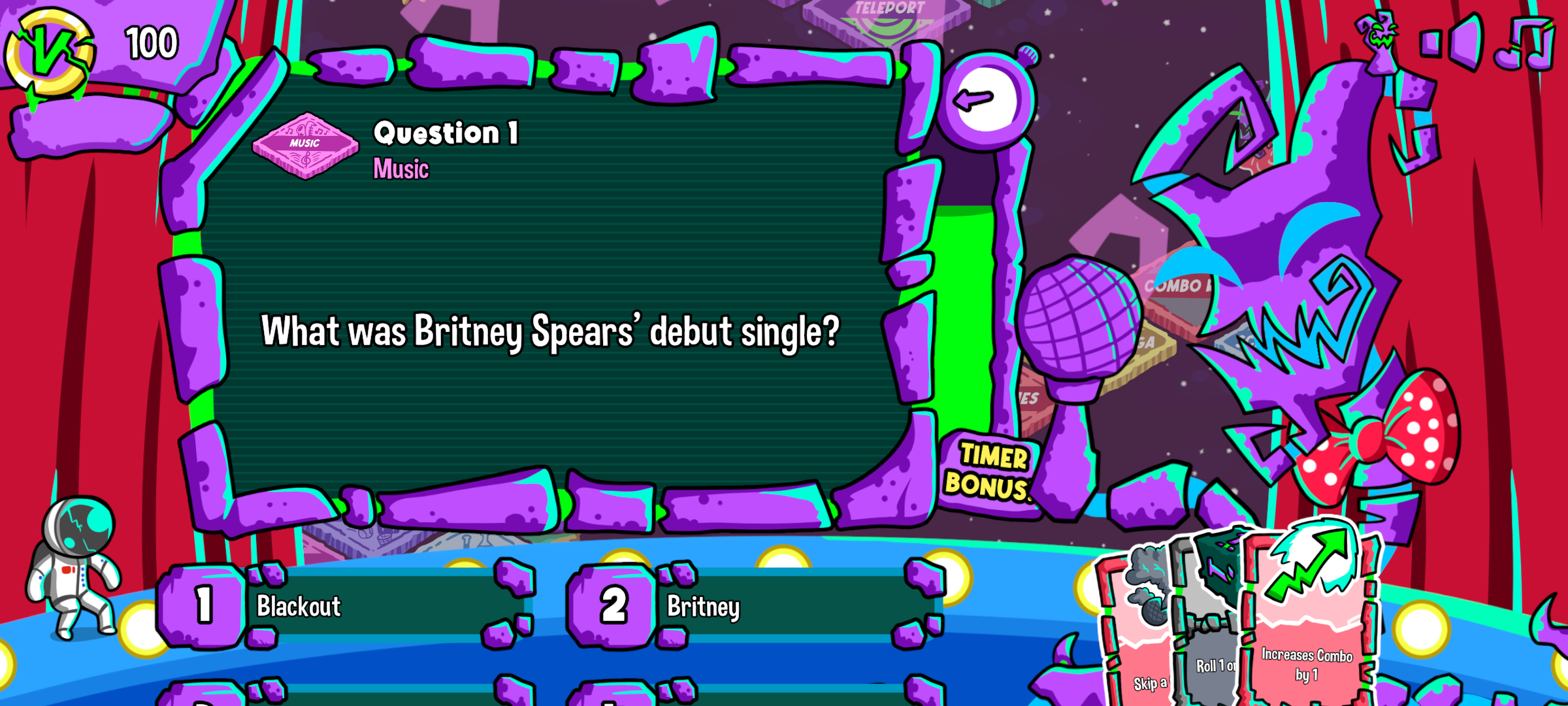
Options 3 and 4 are cut off by the bottom of the screen on the Android version.