



It is the wrong approach to have different pieces for the floor. You should remove any glare related code from the floor and use a ceiling object. There is an example in the top down demo
A member registered May 03, 2020 · View creator page →
Creator of

Discover the secrets of this alien world as you explore through its eerie landscapes
Adventure


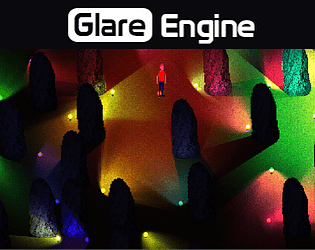
GameMaker:Studio Extension, shader based dynamic lighting.
Recent community posts
Hello trippity,
If you want to use the Draw Event you can just force these objects to render After the glare controller (that is on a layer with depth -1000 )
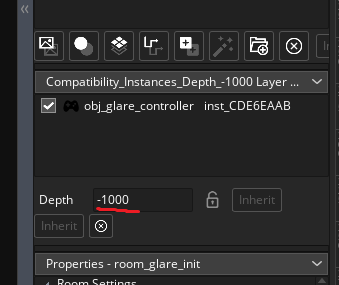
(Remember that if you use the gamma rendering mode, the used event is Post Draw, so you have to match that event also on your UI object)
Let me know if it solves the problem